> ## Documentation Index
> Fetch the complete documentation index at: https://docs.retellai.com/llms.txt
> Use this file to discover all available pages before exploring further.
# Get started with Retell AI QA
> Get started with Retell AI QA: open the AI QA tab, create your first cohort, group calls for evaluation, and surface call quality and resolution trends.
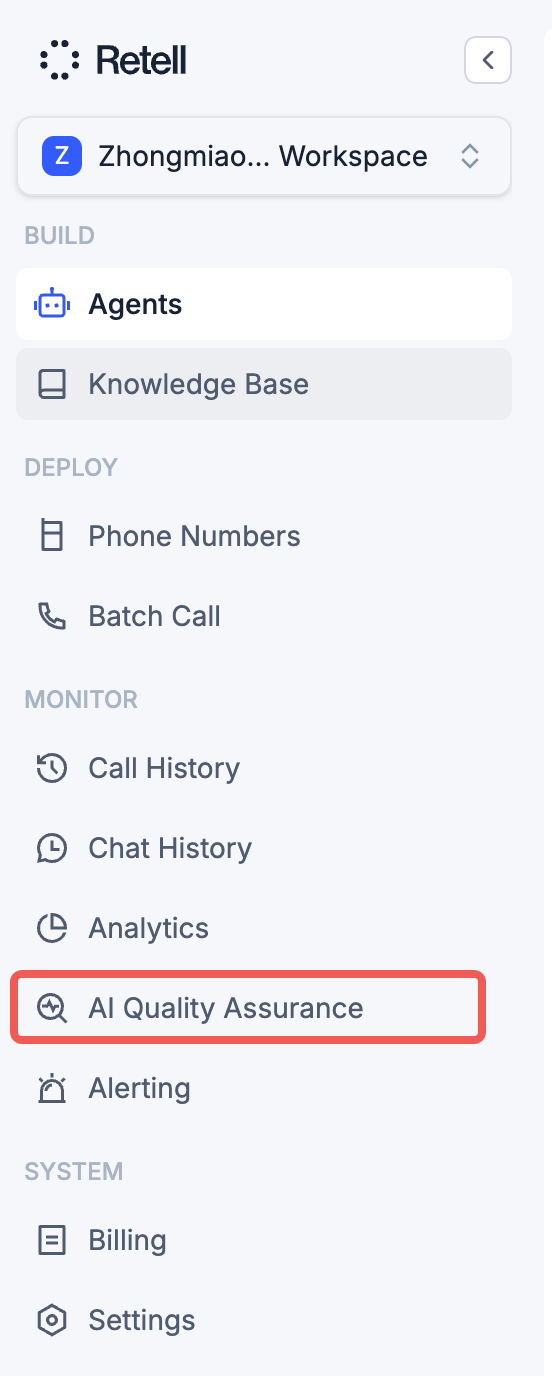
To get started, click on the **AI QA** tab in the left sidebar. This will take you to the AI QA dashboard where you can view existing cohorts or create new ones.
 A **cohort** is a group of calls that you evaluate together using the same set of rules and metrics. Each cohort defines which calls to include (by agent, date range, or other filters) and what criteria to assess them against, so you can track quality trends and compare performance across different slices of your call traffic.
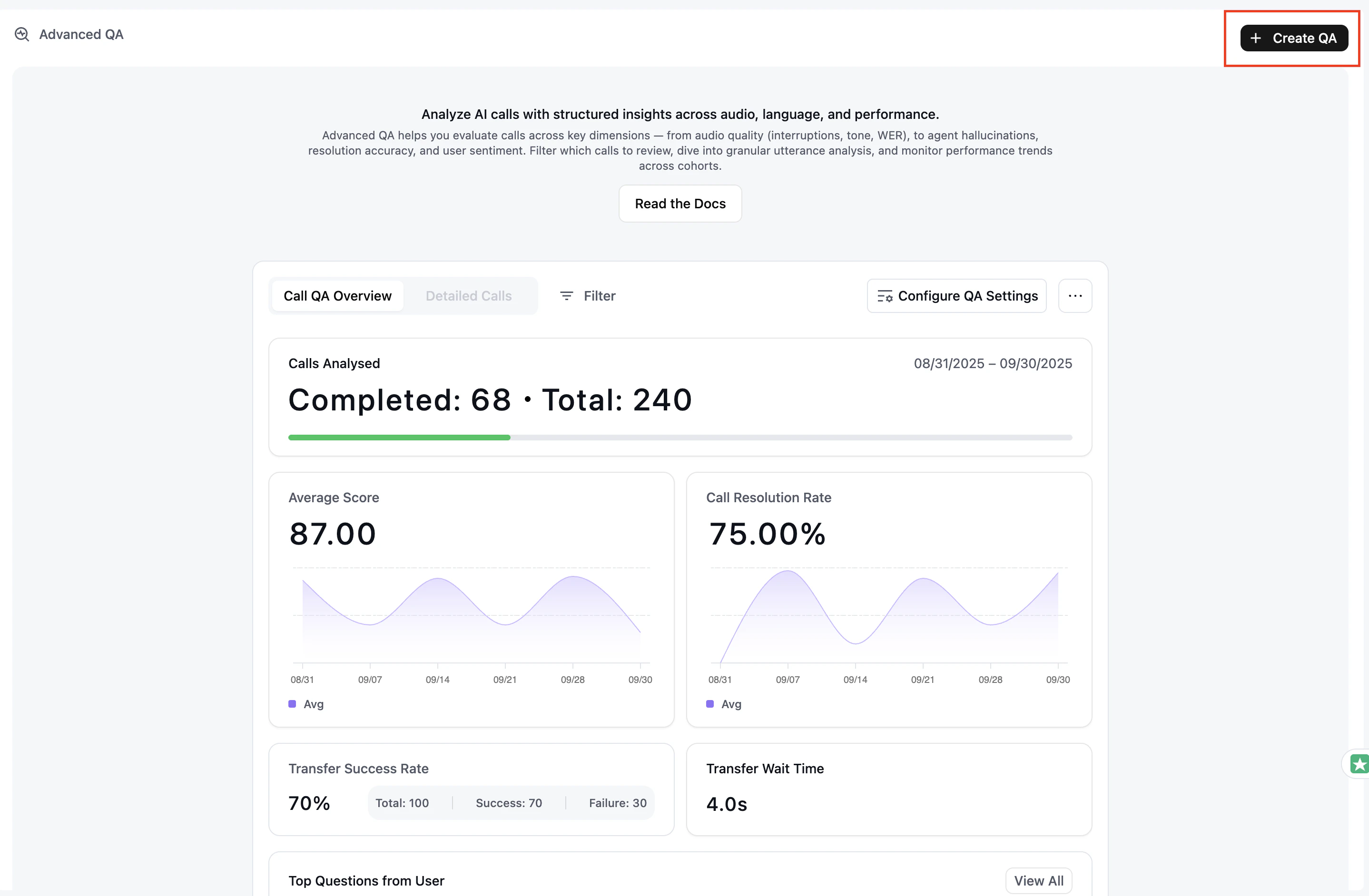
To create a new QA cohort, click the **Create QA** button at the top right of the AI QA page.
A **cohort** is a group of calls that you evaluate together using the same set of rules and metrics. Each cohort defines which calls to include (by agent, date range, or other filters) and what criteria to assess them against, so you can track quality trends and compare performance across different slices of your call traffic.
To create a new QA cohort, click the **Create QA** button at the top right of the AI QA page.