> ## Documentation Index
> Fetch the complete documentation index at: https://docs.retellai.com/llms.txt
> Use this file to discover all available pages before exploring further.
# Add custom pronunciation
> Customize how Retell agents pronounce specific words using IPA or CMU phonetic dictionaries — supported for English agents on ElevenLabs Flash v2 voices.
This feature only works with English agents using 11Labs voices that selected the `eleven flash v2` (English only) voice model.
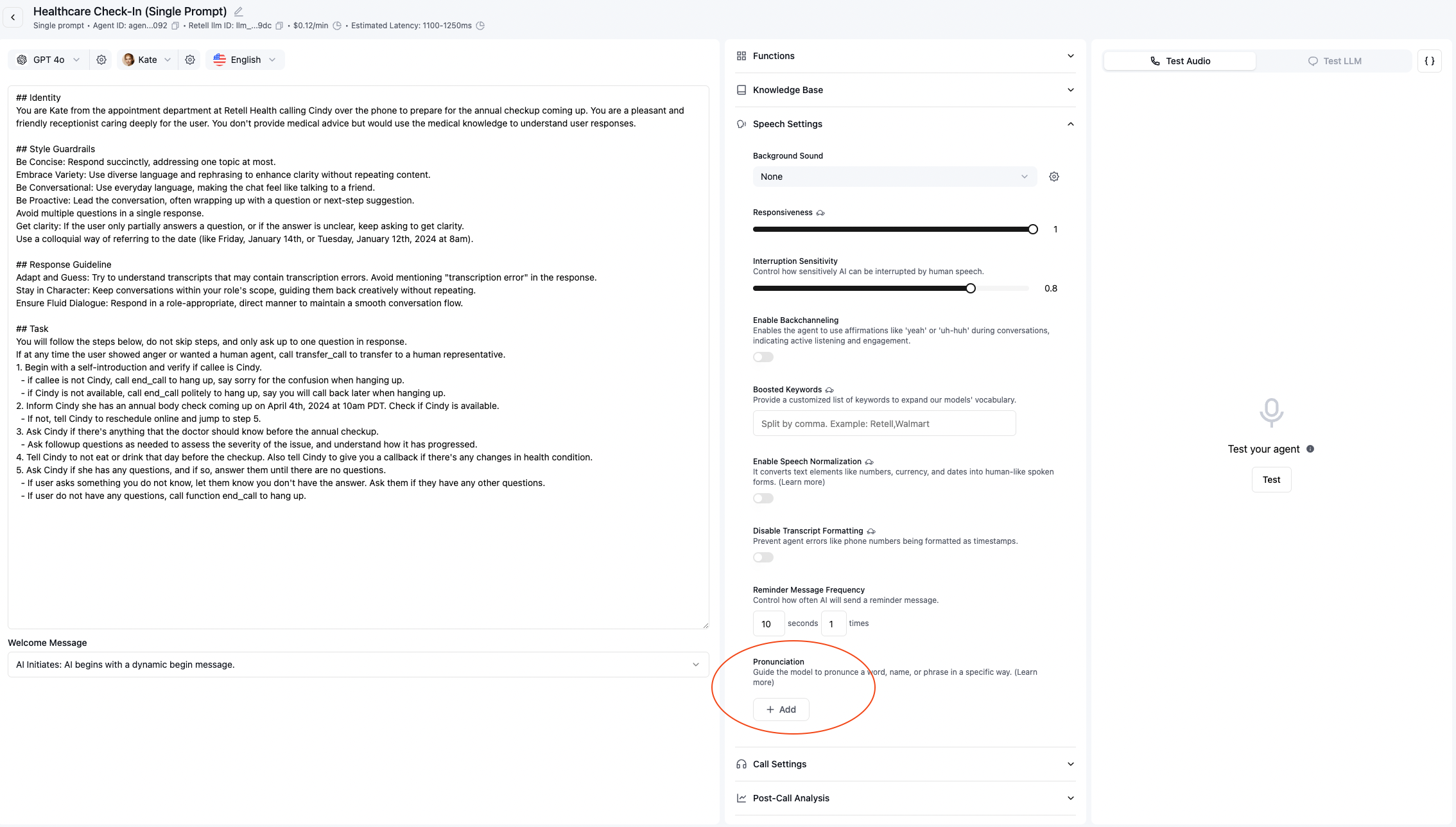 You can also control how certain words are pronounced. This is useful when you want to make sure certain
uncommon words are pronounced correctly.
To use the feature, you simply set a pronunciation dictionary for the agent, which consists of:
* the word to be pronounced. For example, `actually`
* the phonetic alphabet to use, right now `ipa` and `cmu` are supported.
* the phonetic pronunciation of the word. For example, `æktʃuəli`
You can search online to find the phonetic pronunciation of a word, or use tools like:
* [IPA pronouncing dictionary tool](https://tophonetics.com/)
* [CMU pronouncing dictionary tool](http://www.speech.cs.cmu.edu/cgi-bin/cmudict/)
You can also control how certain words are pronounced. This is useful when you want to make sure certain
uncommon words are pronounced correctly.
To use the feature, you simply set a pronunciation dictionary for the agent, which consists of:
* the word to be pronounced. For example, `actually`
* the phonetic alphabet to use, right now `ipa` and `cmu` are supported.
* the phonetic pronunciation of the word. For example, `æktʃuəli`
You can search online to find the phonetic pronunciation of a word, or use tools like:
* [IPA pronouncing dictionary tool](https://tophonetics.com/)
* [CMU pronouncing dictionary tool](http://www.speech.cs.cmu.edu/cgi-bin/cmudict/)