> ## Documentation Index
> Fetch the complete documentation index at: https://docs.retellai.com/llms.txt
> Use this file to discover all available pages before exploring further.
# Create chat agent
> Create and configure a Retell chat agent for text-based conversational AI: choose an LLM, write a prompt, attach tools, and call it through the chat API.
This guide explains how to create and configure a chat agent in Retell. Chat agents allow you to implement conversational AI experiences through text-based interfaces.
**Note:** Retell does not provide native integration with SMS or chat applications at this moment. You can only interact with the chat agent via API.
## Creating a Chat Agent
You have two options:
### Create a New Chat Agent
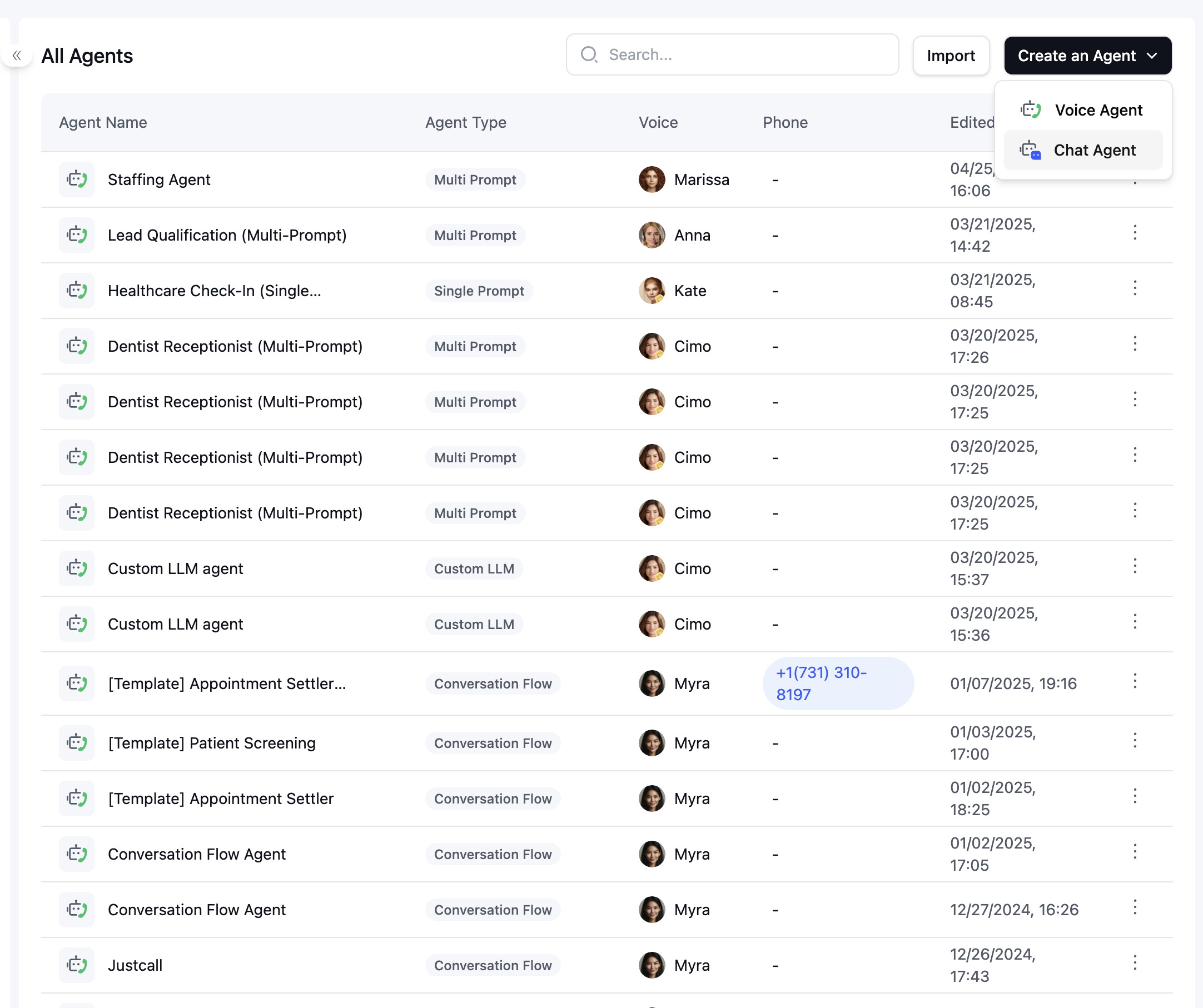
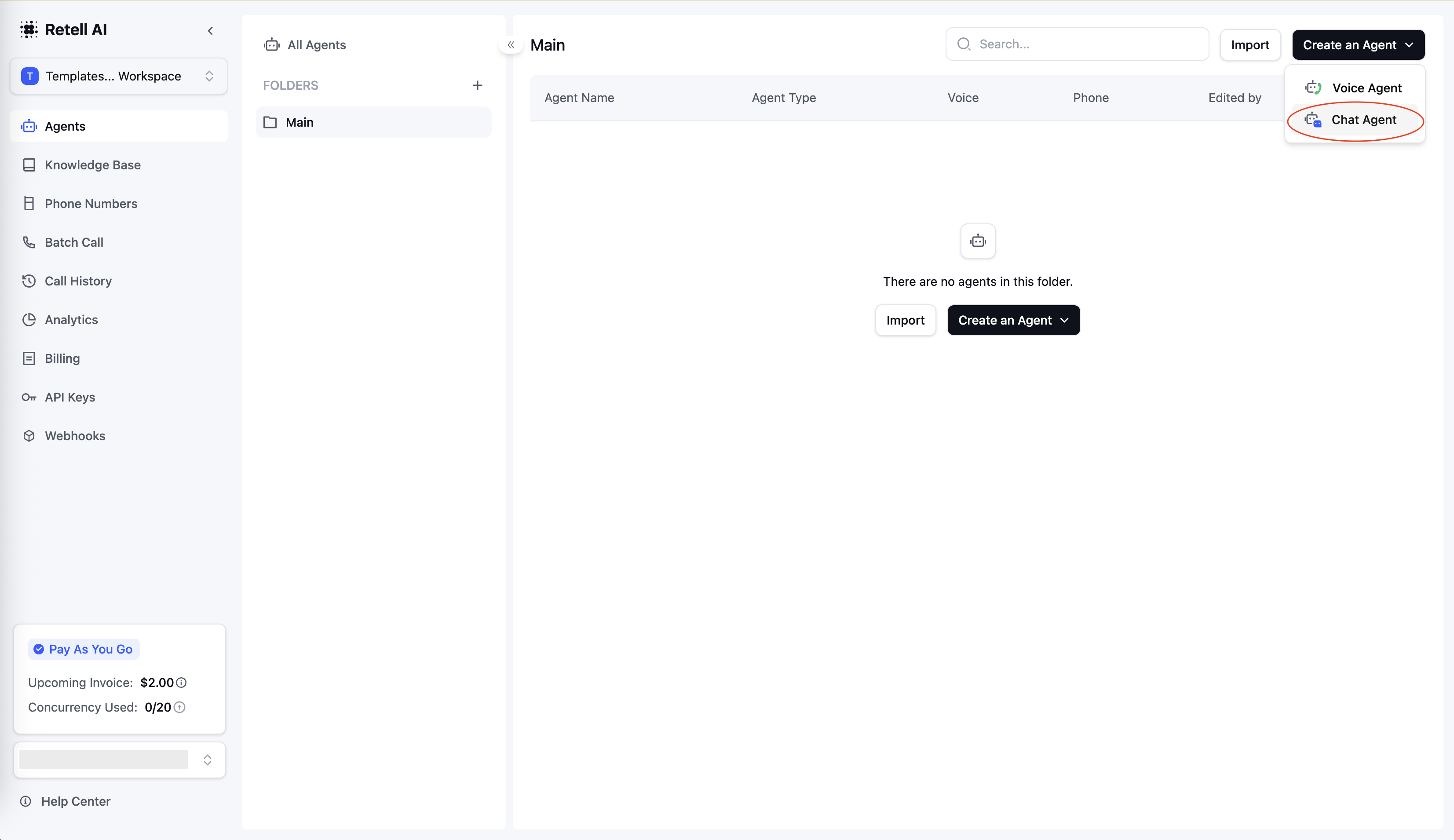
1. Navigate to the Agents section in your Retell dashboard
2. Click "Create New Agent"
3. Select "Chat Agent" as the agent type
4. Configure your agent settings and prompts
 ### Convert an Existing Voice Agent
1. Open an existing voice agent
2. Click "Convert to Chat Agent"
3. Review the conversion warnings
### Convert an Existing Voice Agent
1. Open an existing voice agent
2. Click "Convert to Chat Agent"
3. Review the conversion warnings
 **Note:** Chat agents do not support certain voice-specific functions like call transfers, DTMF (press digits), or telephony features. During conversion, such nodes or functions will be automatically removed.
## Next Steps
Chat agents are headless — Retell does not host a chat UI for end users. You choose how to surface the agent. Pick the path that fits your product:
* **Website widget** — embed a single `
**Note:** Chat agents do not support certain voice-specific functions like call transfers, DTMF (press digits), or telephony features. During conversion, such nodes or functions will be automatically removed.
## Next Steps
Chat agents are headless — Retell does not host a chat UI for end users. You choose how to surface the agent. Pick the path that fits your product:
* **Website widget** — embed a single `