> ## Documentation Index
> Fetch the complete documentation index at: https://docs.retellai.com/llms.txt
> Use this file to discover all available pages before exploring further.
# Add a business profile
> Set up and verify a Retell business profile before applying for verified phone numbers or branded calling, with required company information and documents.
Before applying for premium services like verified phone numbers or branded calls, you must first create and verify your business profile. This guide will walk you through the process.
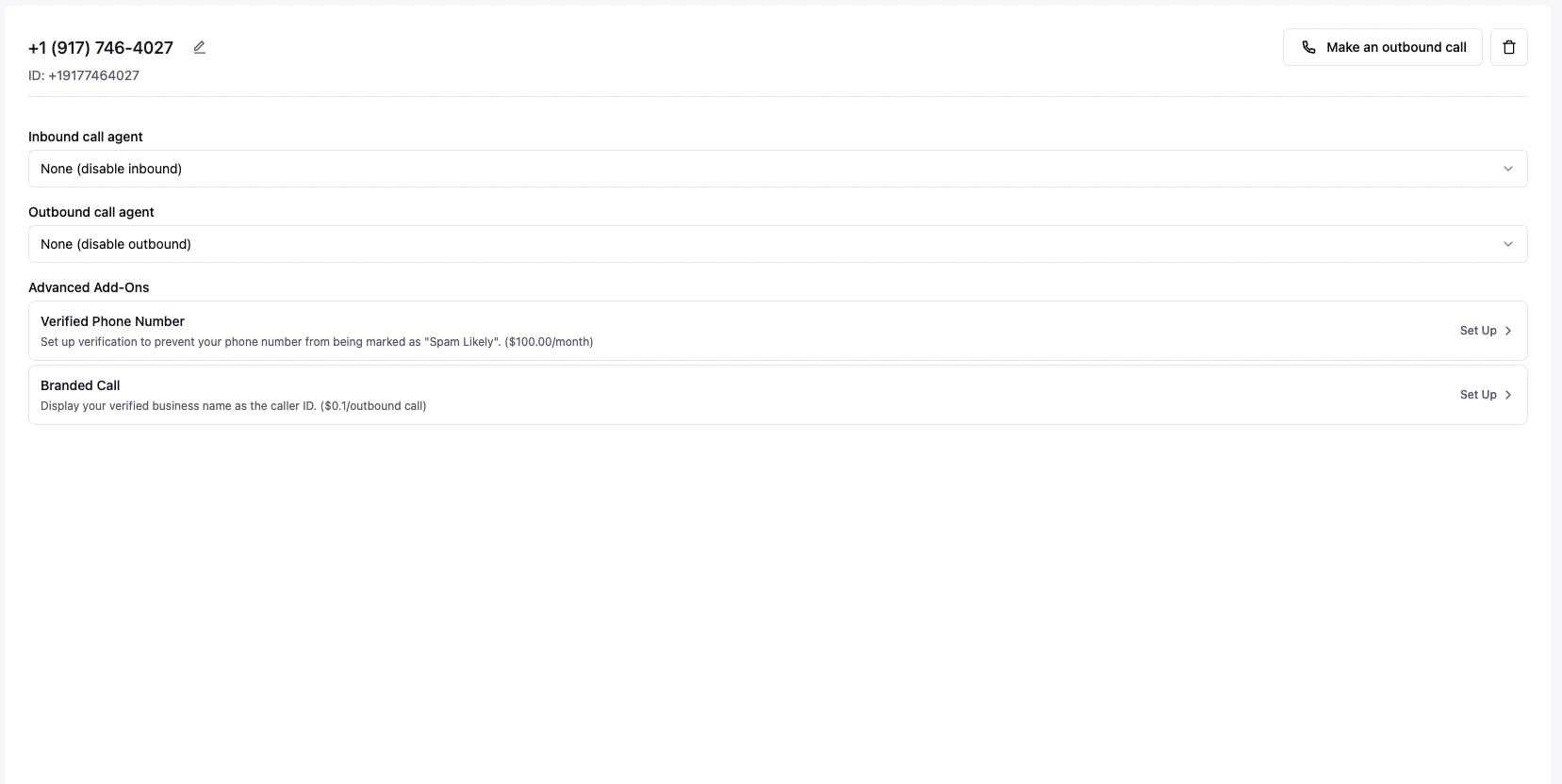
### Step 1: Access Business Profile Setup
1. Navigate to any premium service (e.g., Verified Phone Number or Branded Call)
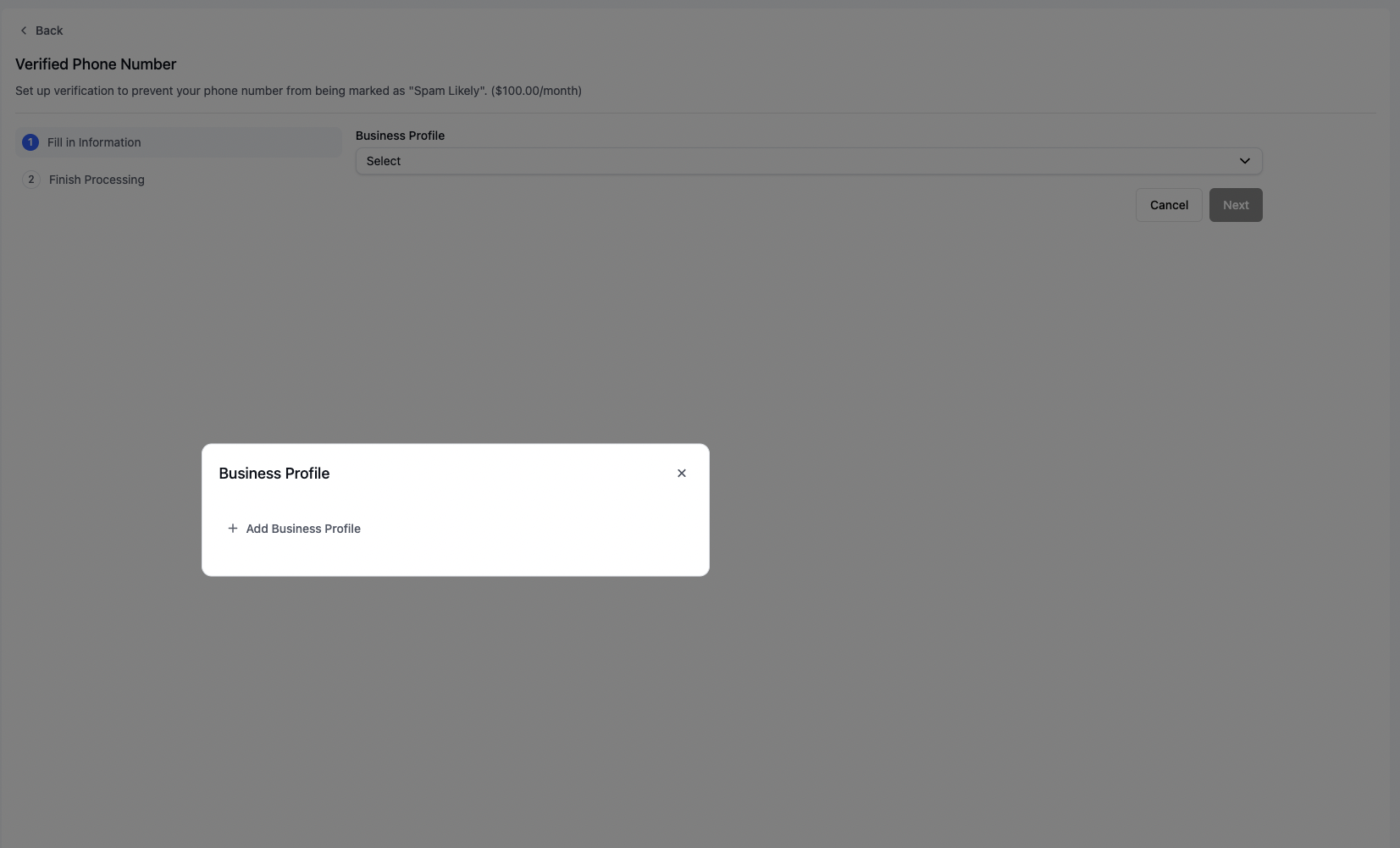
2. Look for the Business Profile section in the setup process
 ### Step 2: Complete Business Profile Form
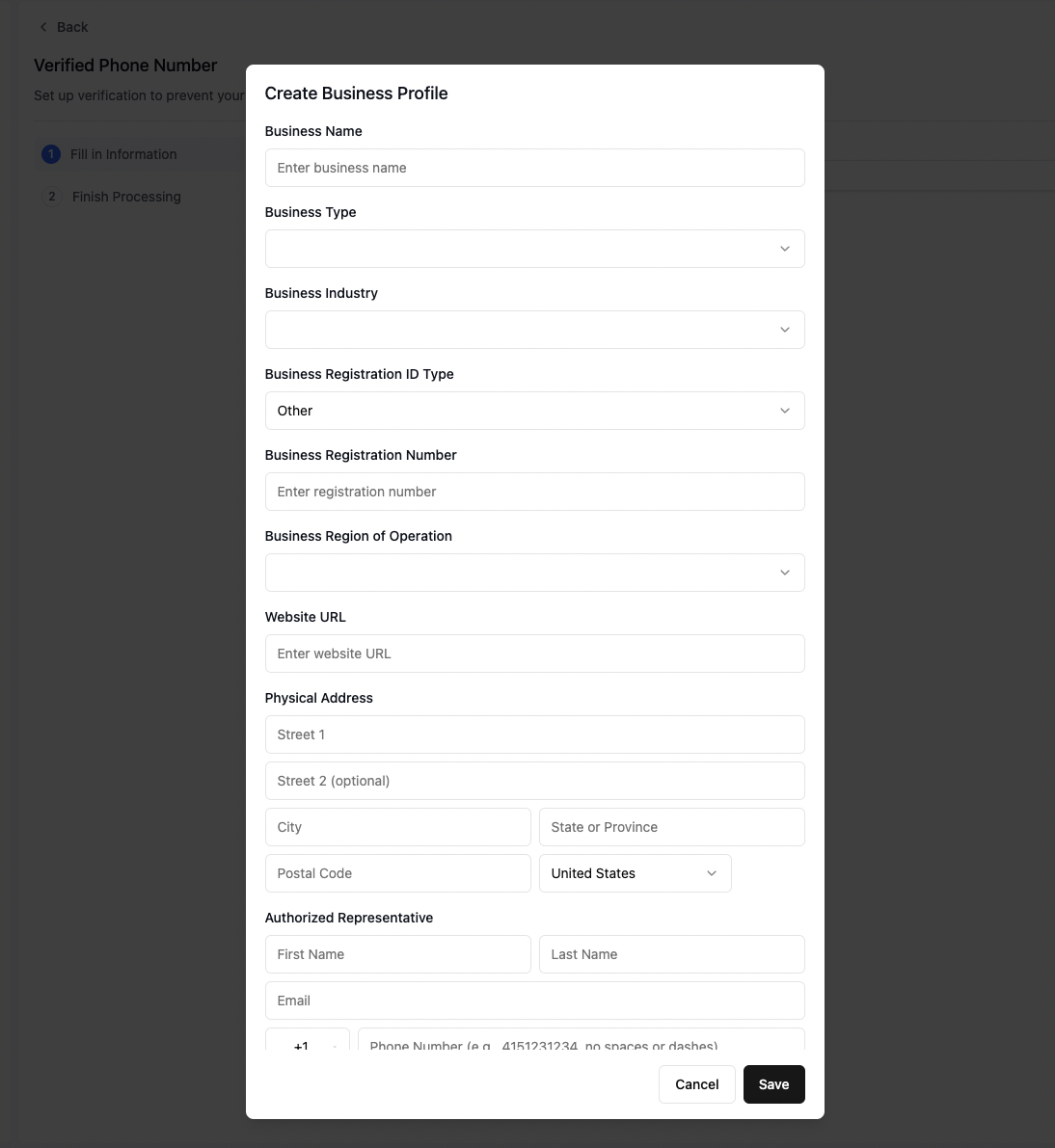
Fill in all required business information across both sections of the form:
### Step 2: Complete Business Profile Form
Fill in all required business information across both sections of the form:
 #### Important Requirements:
* **Business Registration**: Enter the exact registration number as it appears on your official documents
* **Business Address**: Provide your current, verified business address
* **Contact Number**: Use a physical phone line (VoIP numbers are not accepted)
* **Website**: Ensure your website's content accurately reflects your business name and operations
### Step 3: Submit and Continue
1. Click "Save" to submit your business profile
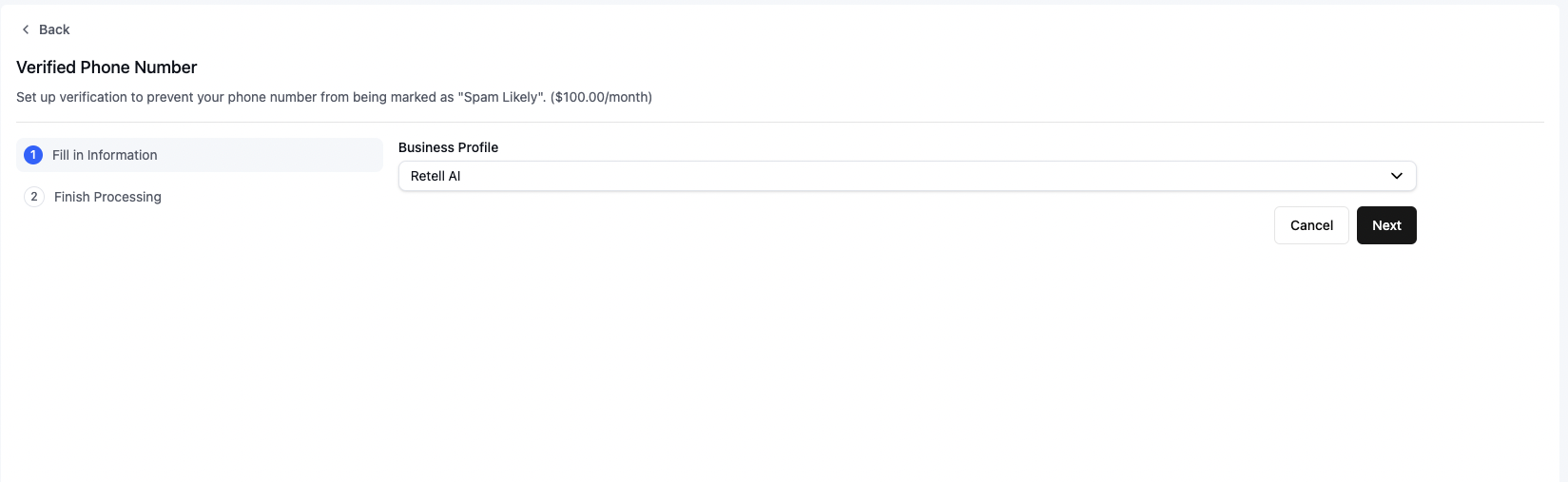
2. Click "Next" to proceed with your service application
#### Important Requirements:
* **Business Registration**: Enter the exact registration number as it appears on your official documents
* **Business Address**: Provide your current, verified business address
* **Contact Number**: Use a physical phone line (VoIP numbers are not accepted)
* **Website**: Ensure your website's content accurately reflects your business name and operations
### Step 3: Submit and Continue
1. Click "Save" to submit your business profile
2. Click "Next" to proceed with your service application