> ## Documentation Index
> Fetch the complete documentation index at: https://docs.retellai.com/llms.txt
> Use this file to discover all available pages before exploring further.
# Setup TTS fallback
> Configure TTS fallback voices so Retell agents keep speaking during a TTS provider outage — required when using custom or third-party provider voices.
If you are using a [platform voice](/build/platform-voices) or a standard Retell voice from the voice library, fallback is handled automatically — no additional setup is required. The steps below apply only if you are using a custom or third-party provider voice.
There might be cases where the TTS provider is having outages or temporary issues, but the agents need to keep talking to the user on call. Thus fallback and retries here are necessary. Fallback will use a different voice provider.
Currently if no specific TTS fallback is set up, the agent will use the default fallback plan that's being set up:
* it will use the same gender voice as the original voice (if the original voice has a gender field)
* it will follow a default plan, to fallback to the next voice in the list, and if that voice is also not available, it will fallback to the next voice in the list.
* even if the original voice is back online, the agent will still continue to use the fallback to minimize the change of voice during the call.
## Set up your own TTS fallback
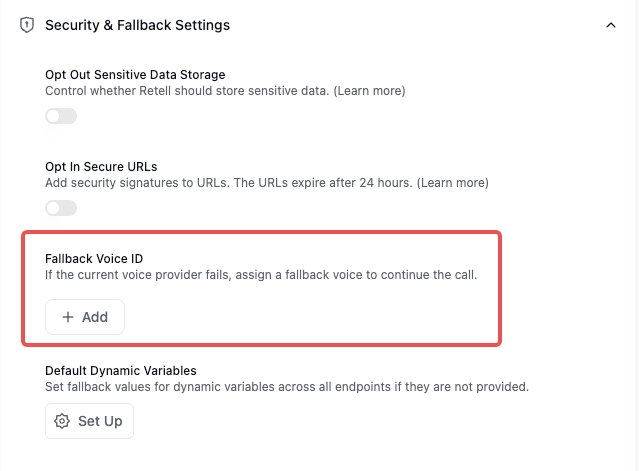
You can set up your own fallback plan, so that it sounds similar, and user would not notice the change.
Here you can add multiple fallback voices, each needs to be using a different TTS provider, and it cannot be using the same provider as the original voice.