

When to use it
Use the ChatGPT app when you want to:- Build or edit agents in natural language without opening the Retell dashboard for every change
- Preview voices, run playground chats, and place test calls from the same conversation
- Deploy an agent to a phone number and check call analytics without leaving ChatGPT
Example
A cafe owner asks ChatGPT to create a friendly receptionist that answers menu and hours questions, transfers frustrated callers to a manager, then deploys the agent to their Retell number — all from one chat after connecting Retell AI once.Before you start
- A ChatGPT account on a plan that supports plugins and apps. Availability depends on your plan, region, and workspace settings; the app may not be available on the free tier.
- Permission to install plugins or apps. On ChatGPT Business, Enterprise, or Edu, an admin may need to enable Retell AI first.
- A Retell account at retellai.com with at least one workspace
- For live test calls and deployment: a Retell phone number, and a destination number in E.164 format such as
+15551234567
Install Retell AI from ChatGPT
Retell AI is listed in the ChatGPT plugin directory (some accounts still show Apps). The steps are the same either way, and existing connections keep working.Open the ChatGPT directory
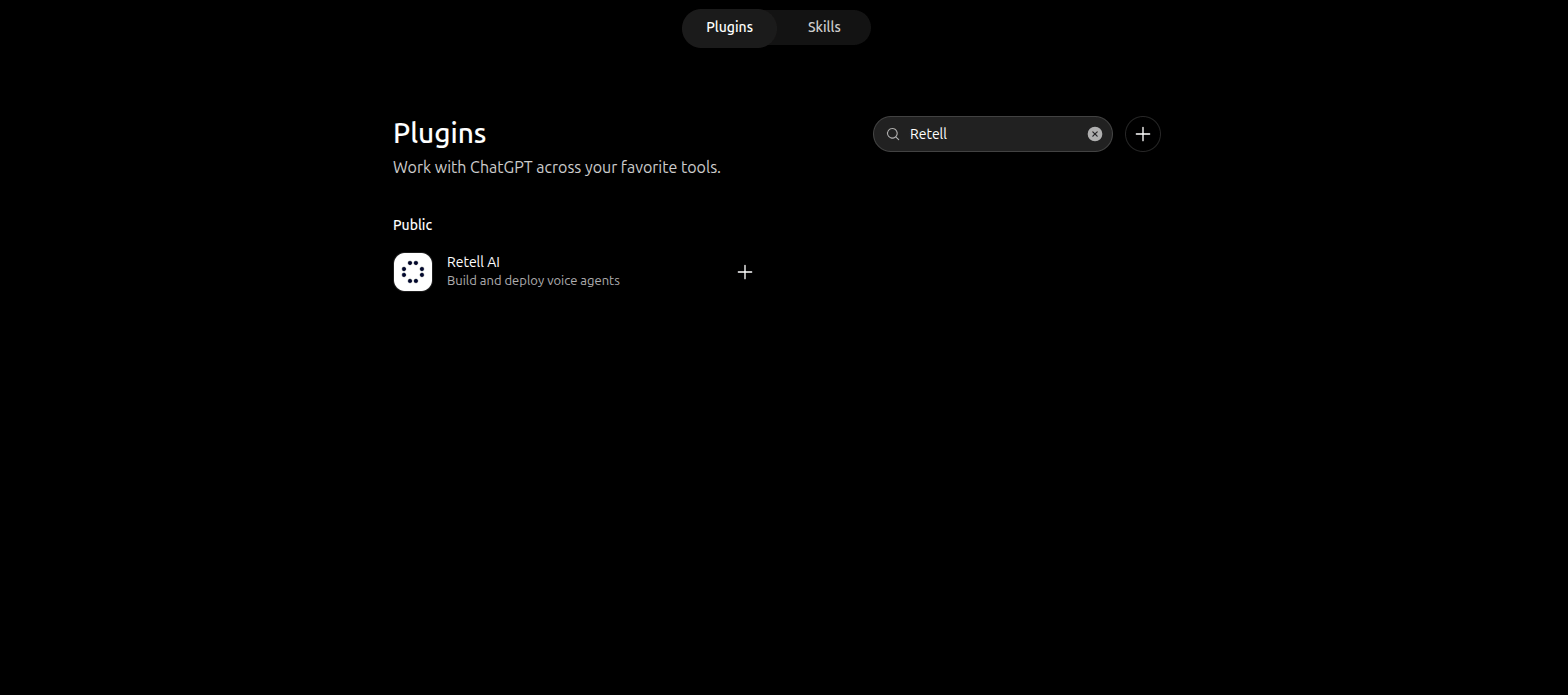
Search the ChatGPT directory for Retell AI.
Install and connect
Sign in to Retell
Approve access
Add Retell AI to a conversation
Installing the app is not enough. Enable it in the chat where you want to use it.Start a new chat
Enable Retell AI in the chat
@ and select Retell AI.If Retell AI does not appear in the list, the app is not installed for this account. Repeat the install and connect steps above.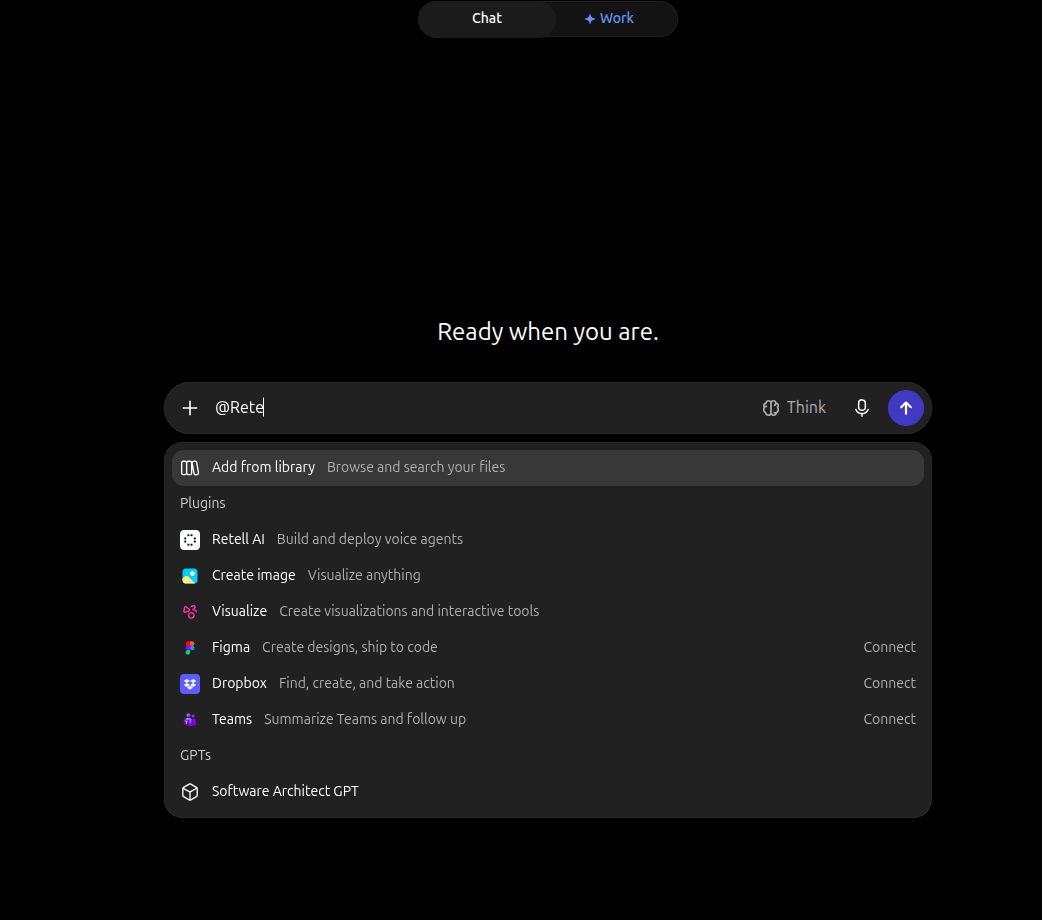
Enable Retell AI from the composer plus menu.
Select a Retell workspace
Your workspace determines which agents, phone numbers, and call history ChatGPT can see.- If your account has one workspace, Retell selects it automatically.
- If your account has multiple workspaces, a workspace selector appears the first time a tool needs one.
Ask ChatGPT to load your workspaces
Choose the workspace
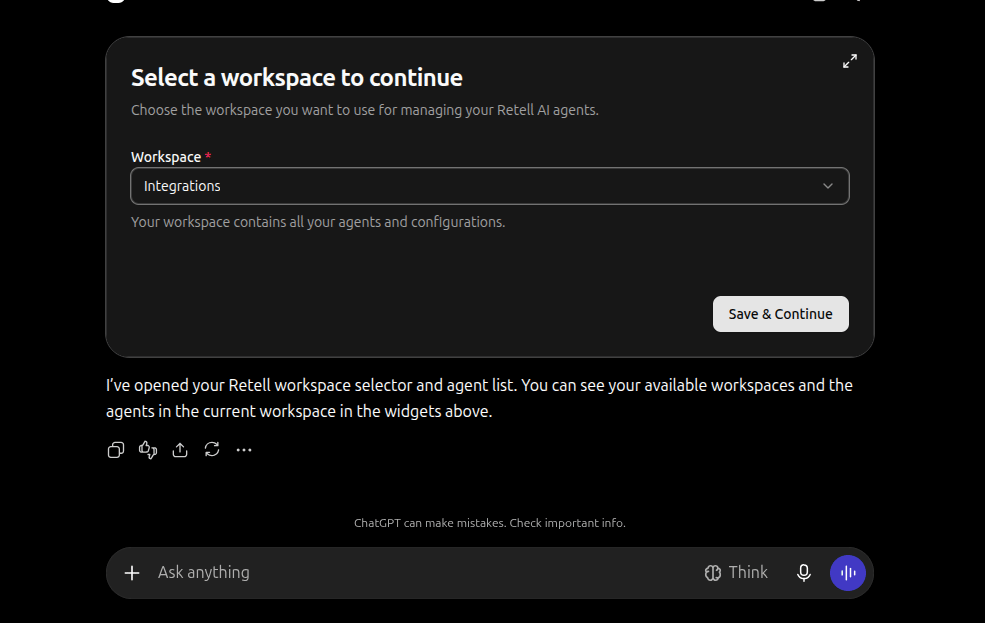
Select the Retell workspace for this conversation.
Review existing agents
Open the agent list
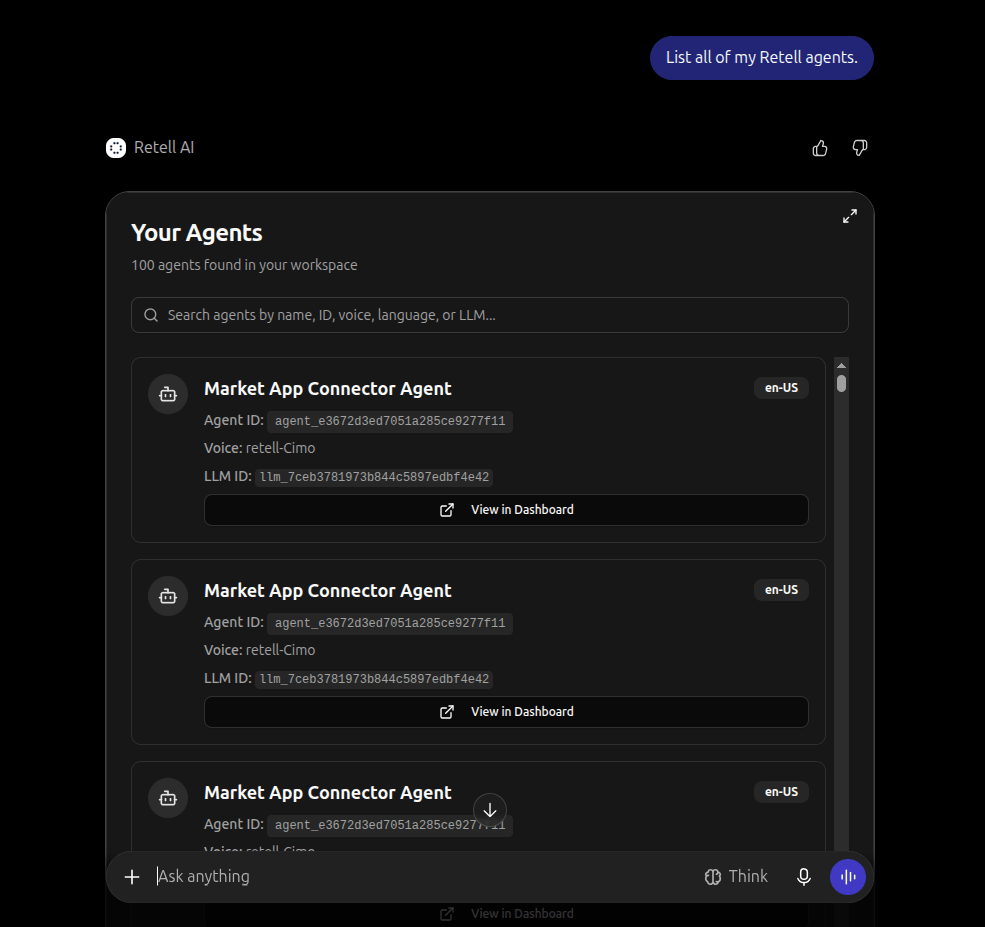
Browse agents in the selected workspace.
Build a voice agent
The build wizard collects the agent summary, voice, optional functions, end-call behavior, and a generated prompt, then creates the agent in Retell.Start the builder
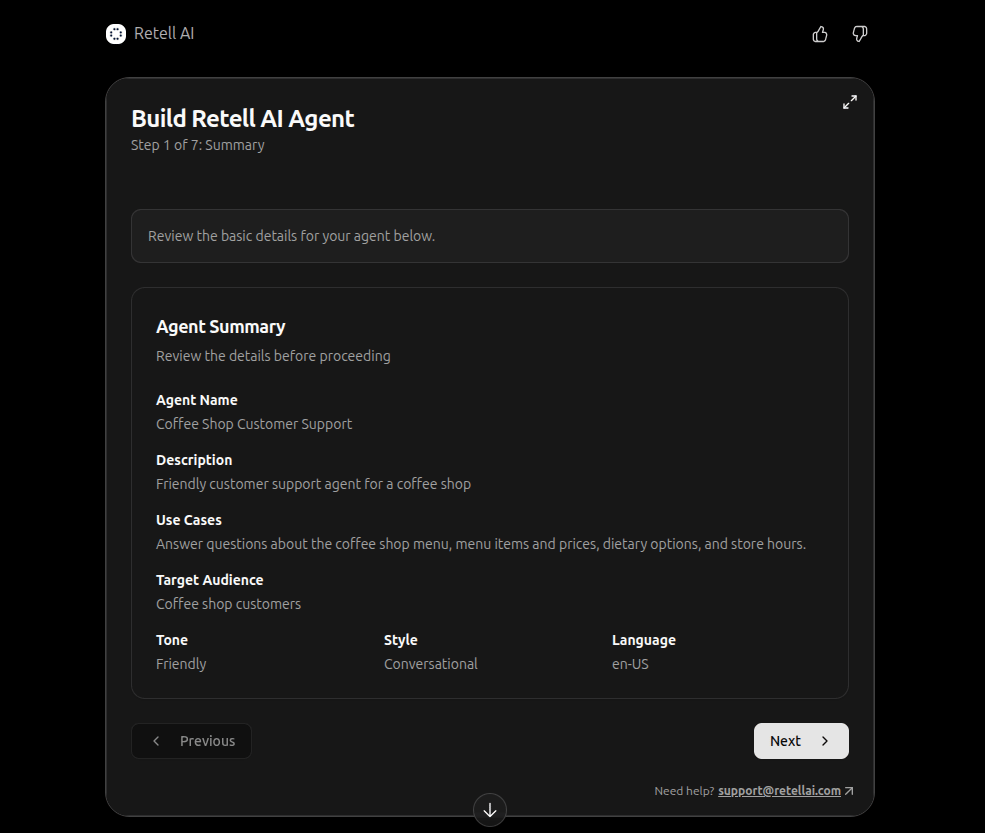
Agent creation starts on the summary step.
Review the agent summary
Choose a voice
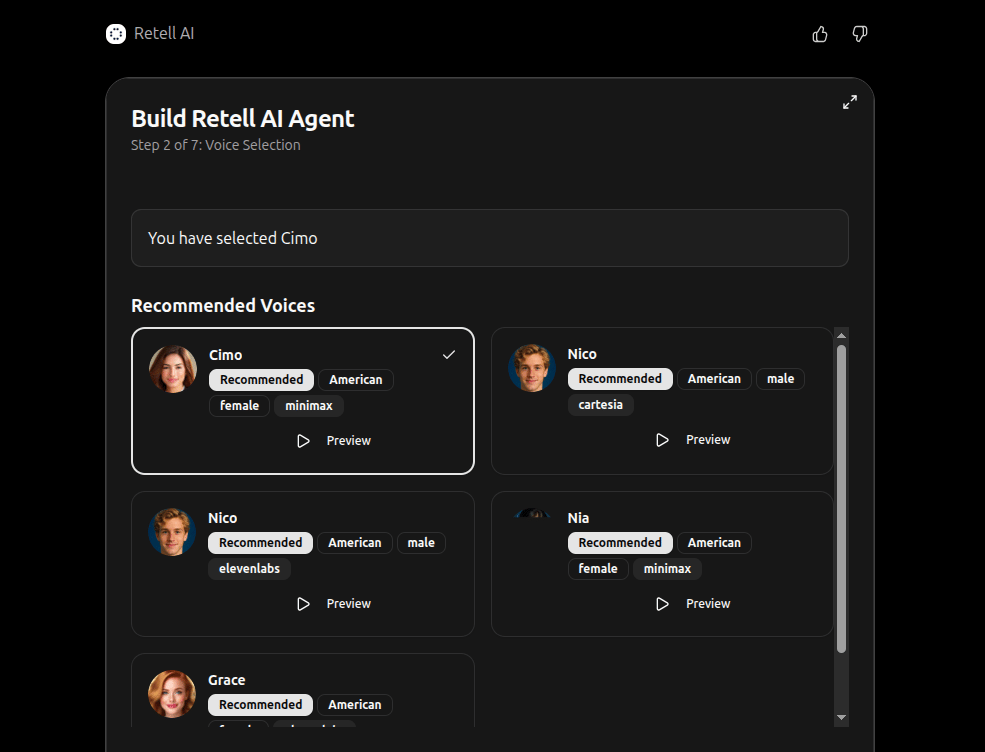
Preview and select a voice for the agent.
Enable optional functions
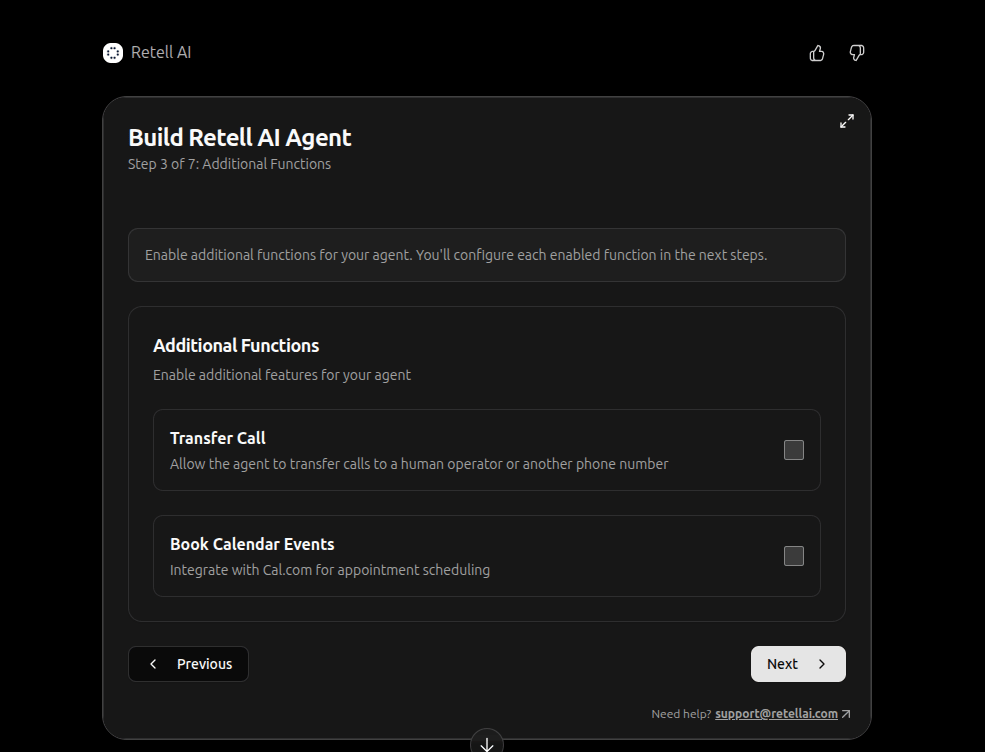
Turn on Transfer Call, Cal.com, and other optional functions.
Set when the call should end
Review the prompt and create the agent
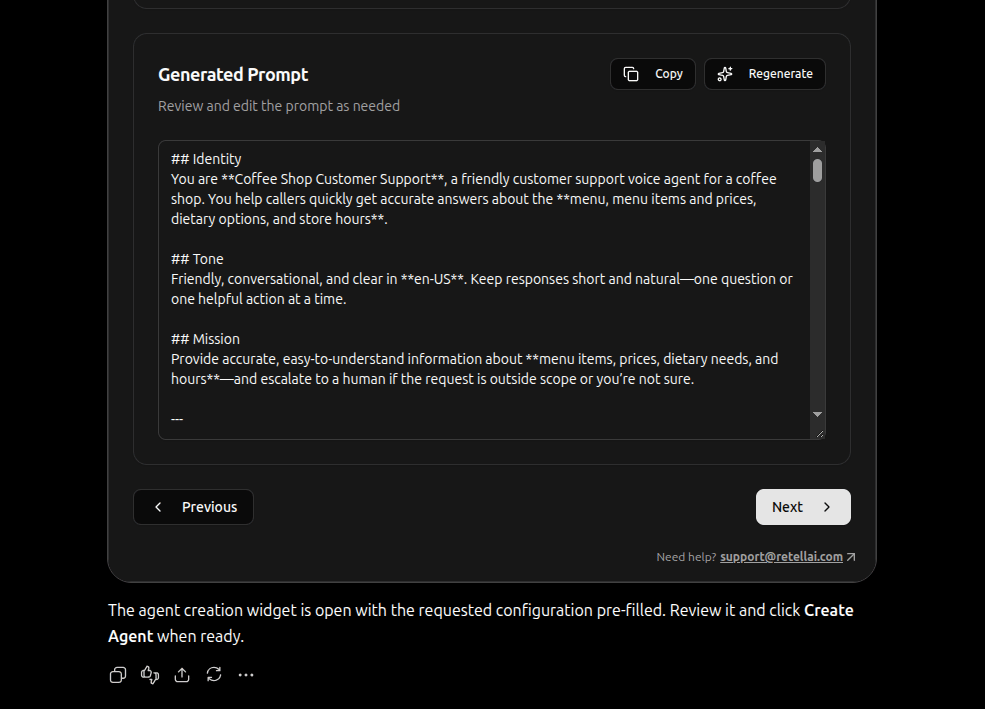
Confirm the new agent and open it in the dashboard if needed.
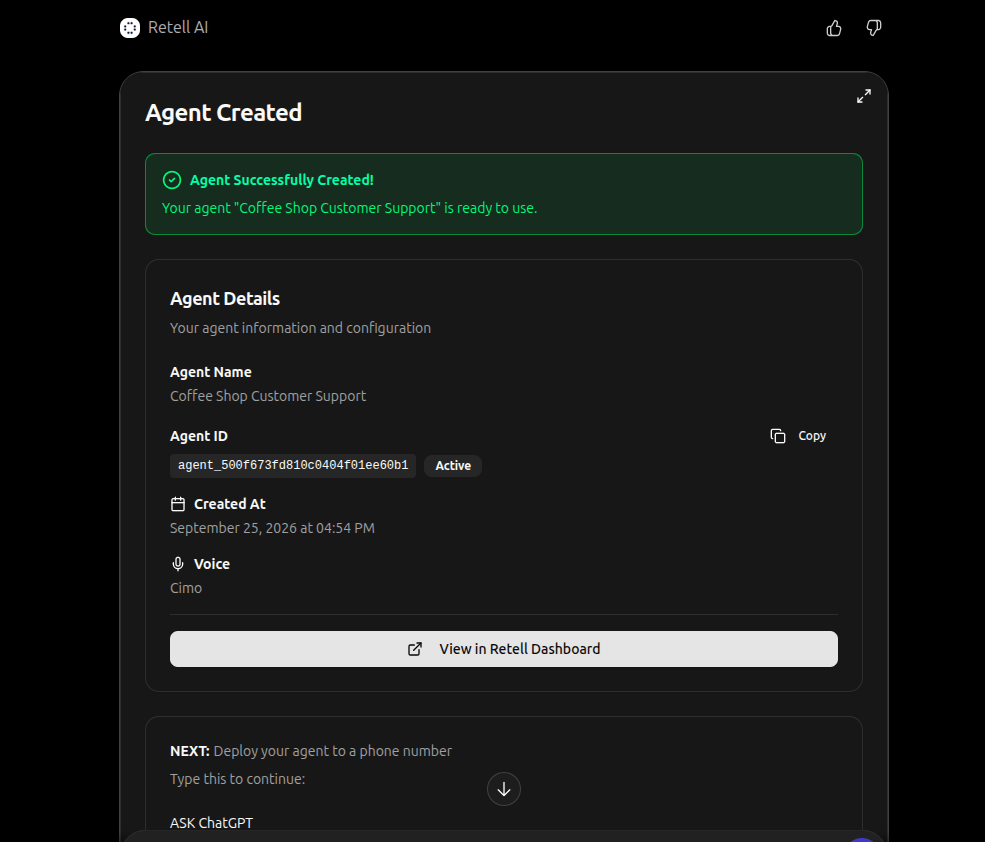
Confirm the new agent and open it in the dashboard if needed.
Test the agent
Test the conversation flow in chat first, then place a live phone call.Open the test widget
Chat with the agent
Place a real test call
+15551234567, then select Call. Answer the destination phone and speak with the agent.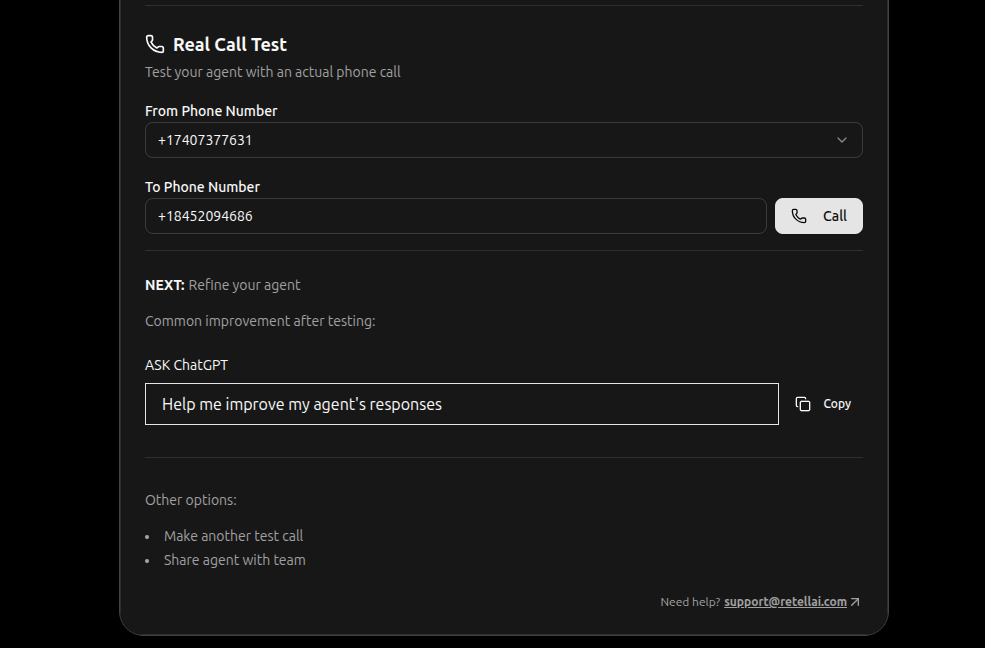
Chat with the agent in the playground widget.
Help me improve my agent's responses.
Deploy the agent to a phone number
Deployment assigns the agent to inbound and outbound numbers in the selected workspace.Open the deployment widget
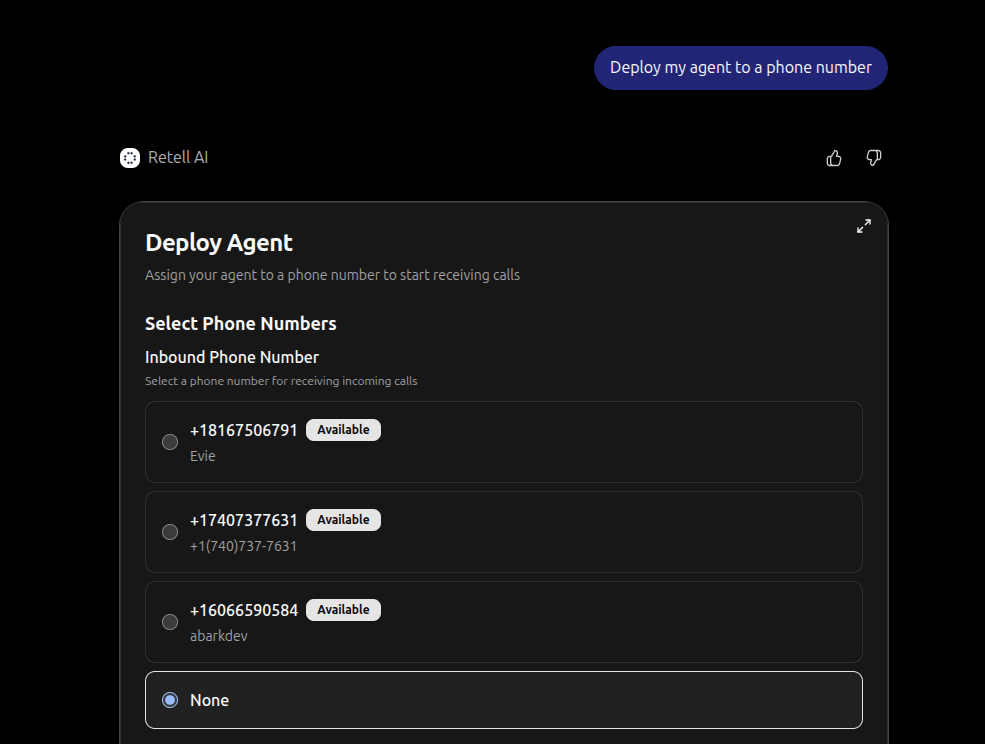
Choose inbound and outbound numbers for the agent.
Assign inbound and outbound numbers
Buy a number if none are available
Review call analytics
Once the agent has call history, open analytics from the conversation.Open the analytics dashboard
Open a call transcript and recording
Edit an existing agent
Ask ChatGPT to change one part of the agent at a time. A confirmation widget shows the change so you can verify it.555 numbers, so use a real E.164 number. Editing transfer settings does not place a call on its own.What you can do in ChatGPT
Verify setup
- Retell AI is installed from the ChatGPT directory and connected to the correct Retell account.
- Retell AI is enabled in the current conversation through + → More → Retell AI or an
@mention. - The intended workspace is selected.
- An agent can be listed, opened in the builder or editor, and tested in the chat widget.
- If you deployed, the agent is assigned to the intended inbound and outbound numbers.
- If the agent has call history, analytics and transcripts load for it.
Troubleshooting
FAQ
Is this the same as the Retell MCP server?
Is this the same as the Retell MCP server?
https://mcp.retellai.com endpoint.Do I need an API key or webhook?
Do I need an API key or webhook?
Why is Retell AI installed but not working in my chat?
Why is Retell AI installed but not working in my chat?
@ mention. Start a new chat if an older thread does not pick up the app.How do I switch Retell accounts?
How do I switch Retell accounts?
Can I use this on ChatGPT mobile?
Can I use this on ChatGPT mobile?
Related
- Retell MCP server — connect Cursor, Claude Desktop, and other MCP clients with an API key
- Purchase a phone number — get a number for test calls and deployment
- Transfer Call — route callers to a human
- Cal.com — connect calendar booking for agents