

Build
Retell agents use a single prompt or a conversation flow, with call handling, a knowledge base, and integrations built in. The build overview covers the rest of the configuration.What voice agent should I start with?
1
Start with a single prompt
Describe the whole task in one prompt and let the model run the conversation. A task with several steps still fits in one prompt.
2
Test it before changing anything
Try it in the Playground and with simulation tests. If it works reliably, keep it as a single prompt.
3
Switch to conversation flow when you need more control
Rebuild as a conversation flow if the call must follow a fixed order of steps, like a compliance script, or if the prompt has grown too long for the agent to follow and you can’t shorten it. See single prompt vs. conversation flow for the tradeoff.
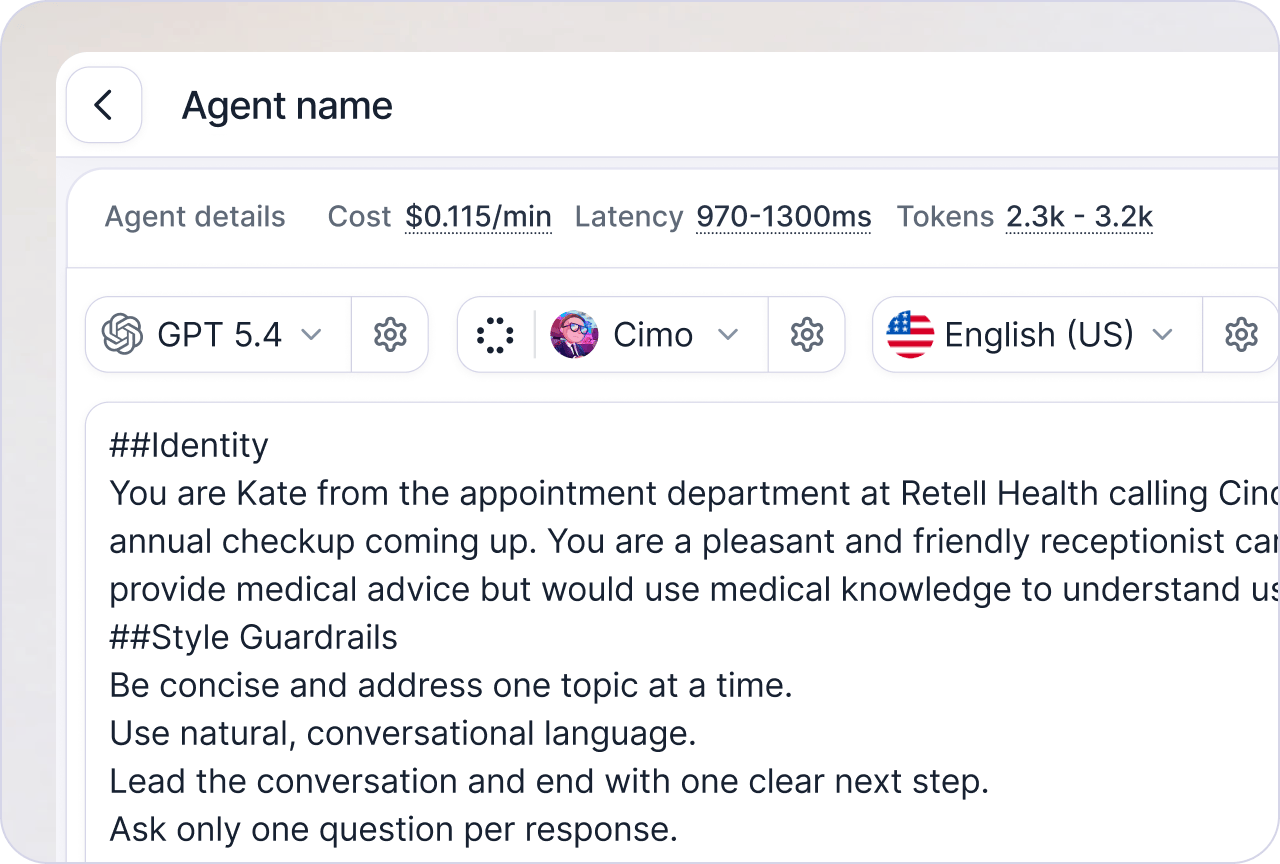
Single Prompt Agent
Define your whole agent with one prompt.Best for: most agents, and the recommended starting point.
- Lead qualification
- Customer support
- Appointment booking
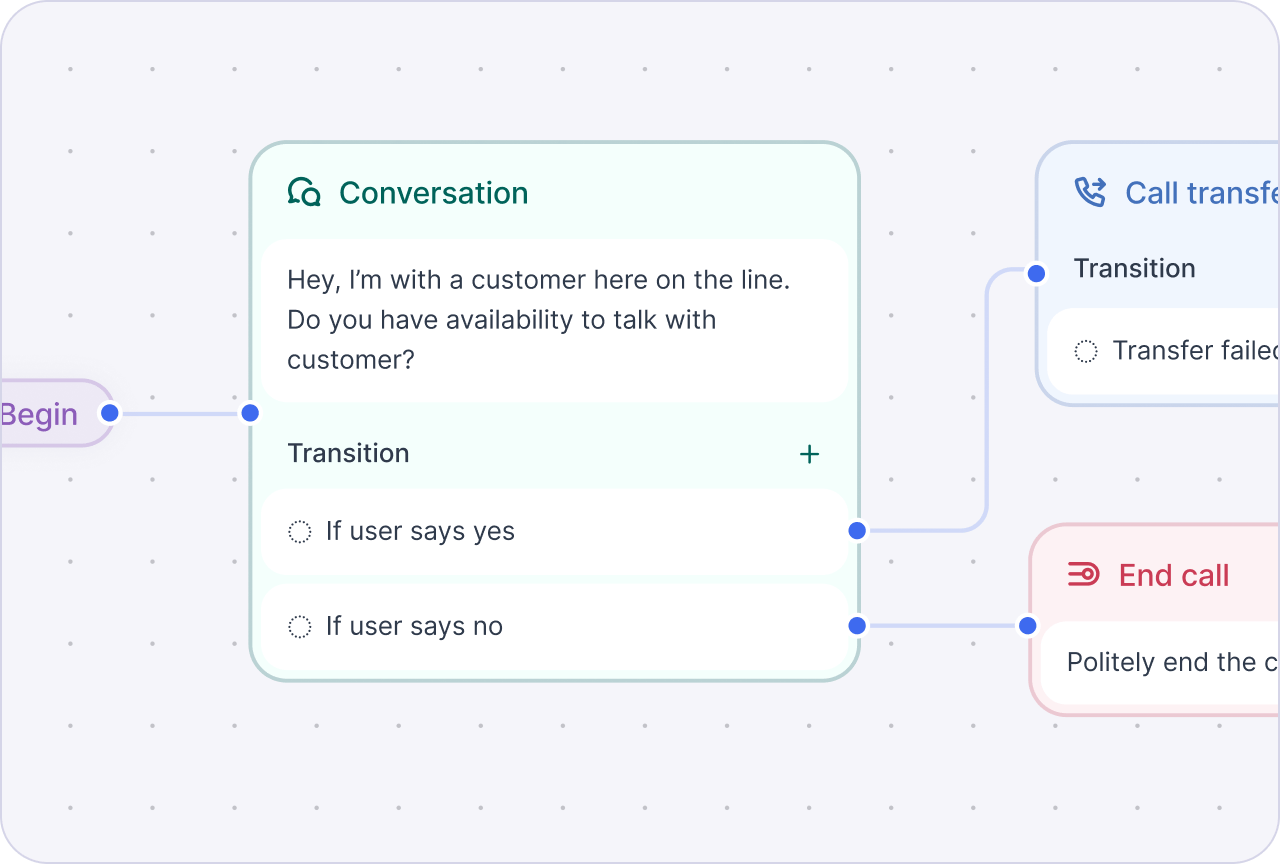
Conversation Flow Agent
Divide the task into nodes for tighter execution control or less context per node.Best for: calls that must follow a fixed order of steps.
- Patient intake
- Compliance-driven calls
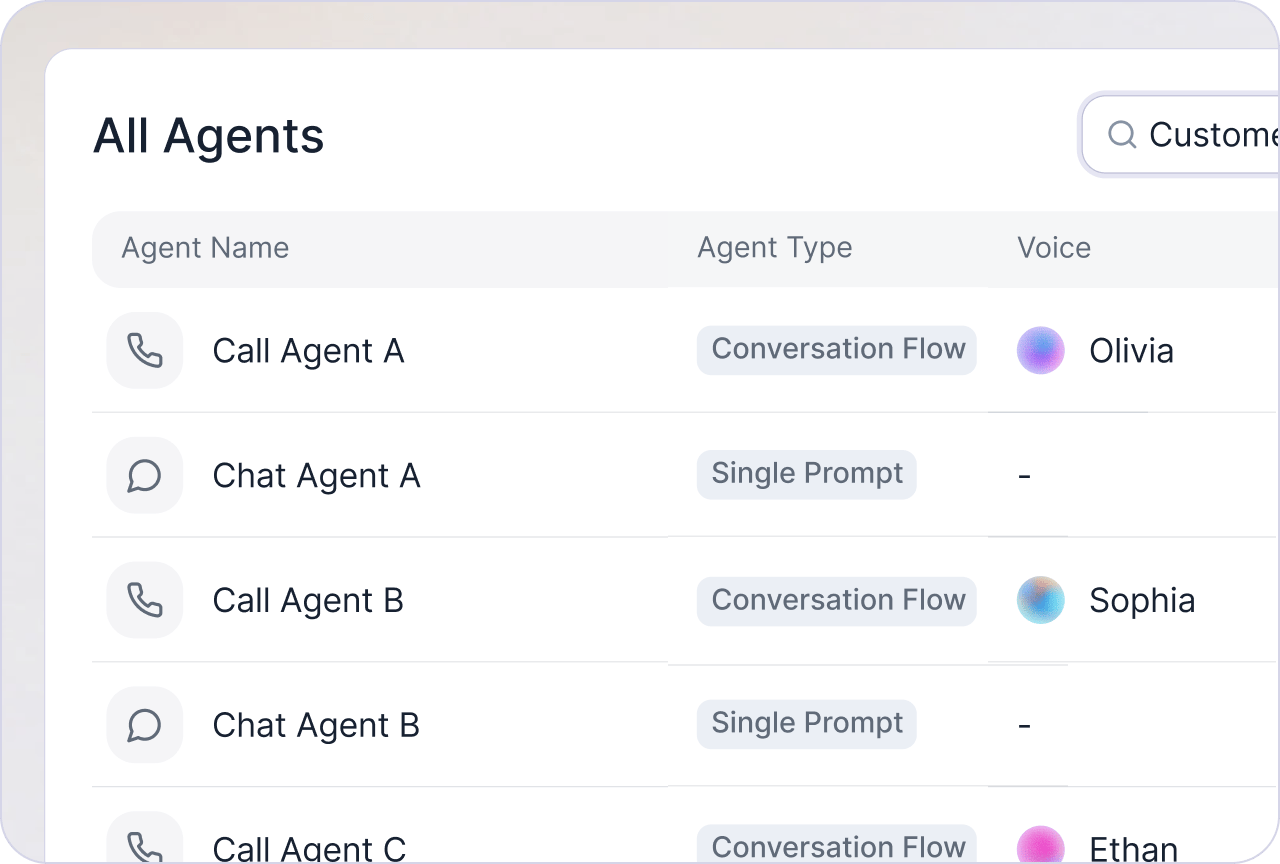
Multi-modality
Voice agents for calls, chat agents for text.
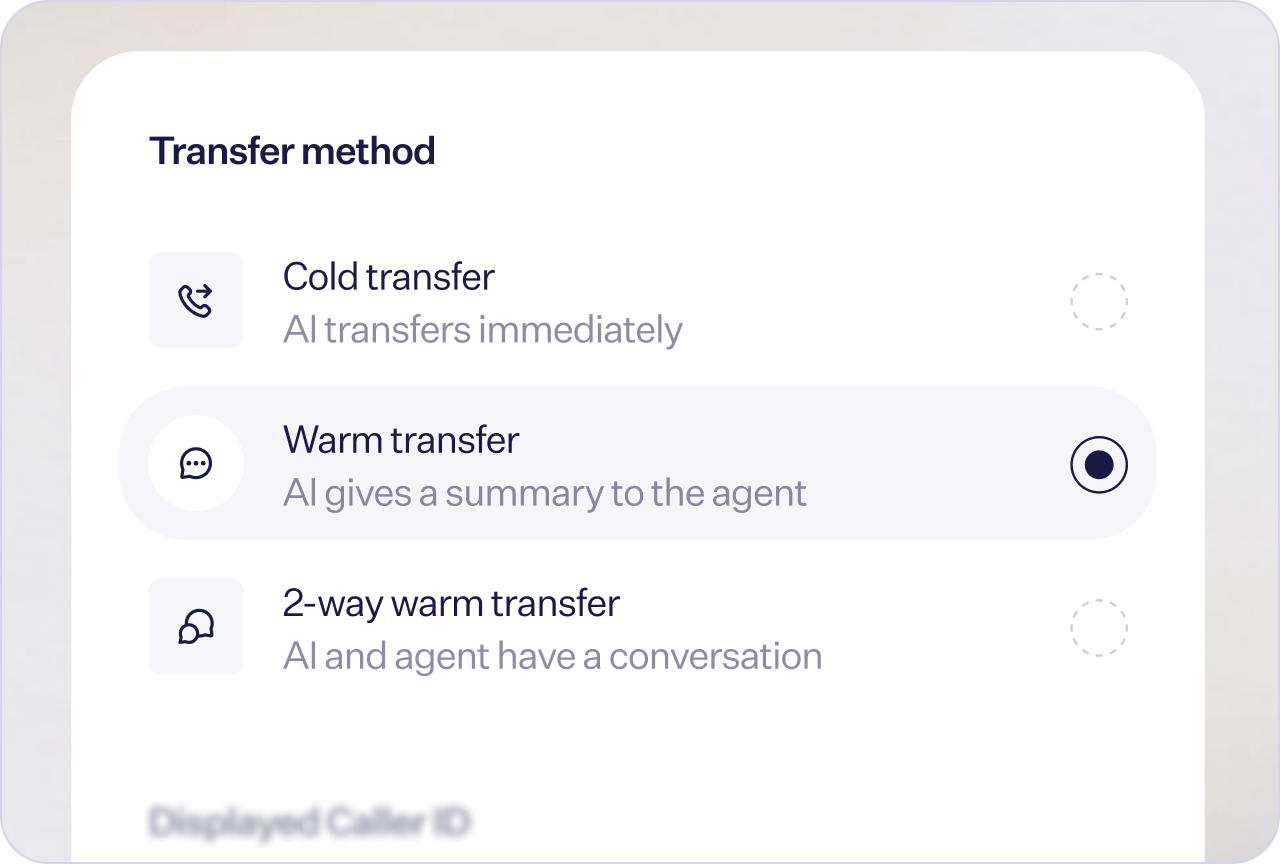
Call center features
Warm transfer, IVR navigation, and voicemail detection.
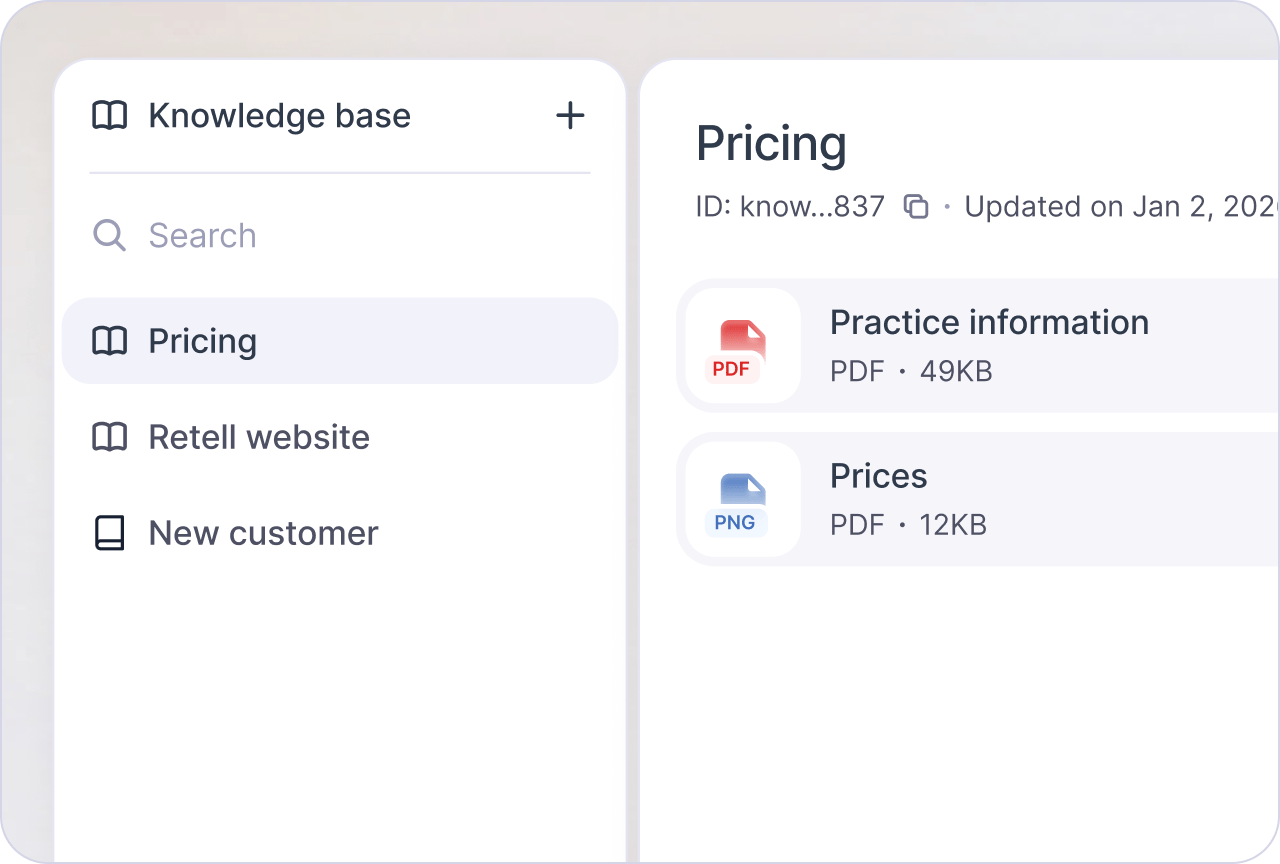
Knowledge base
Crawl a website or upload documents your agent retrieves from.
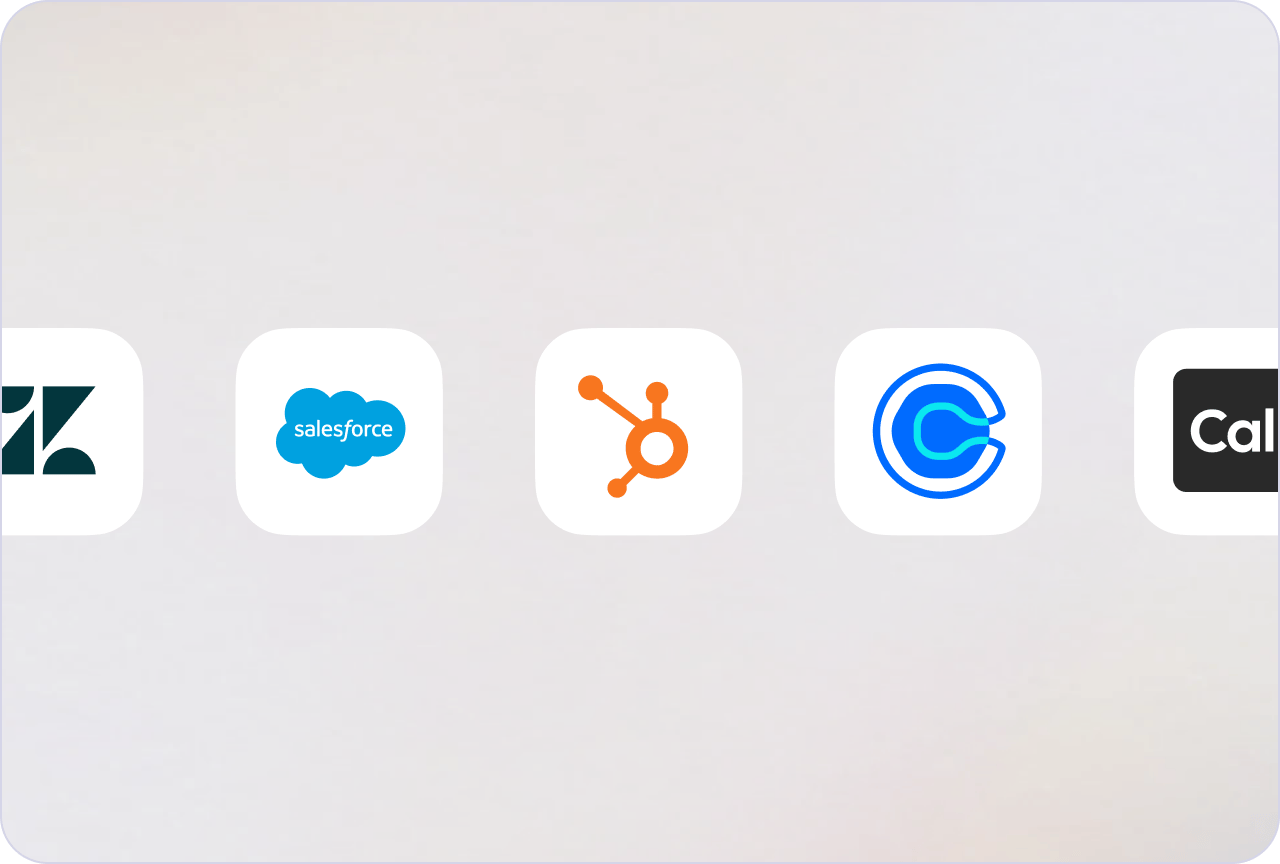
Out-of-the-box integrations
CRM, helpdesk, calendar, and file-storage integrations: connect once, available to every agent.
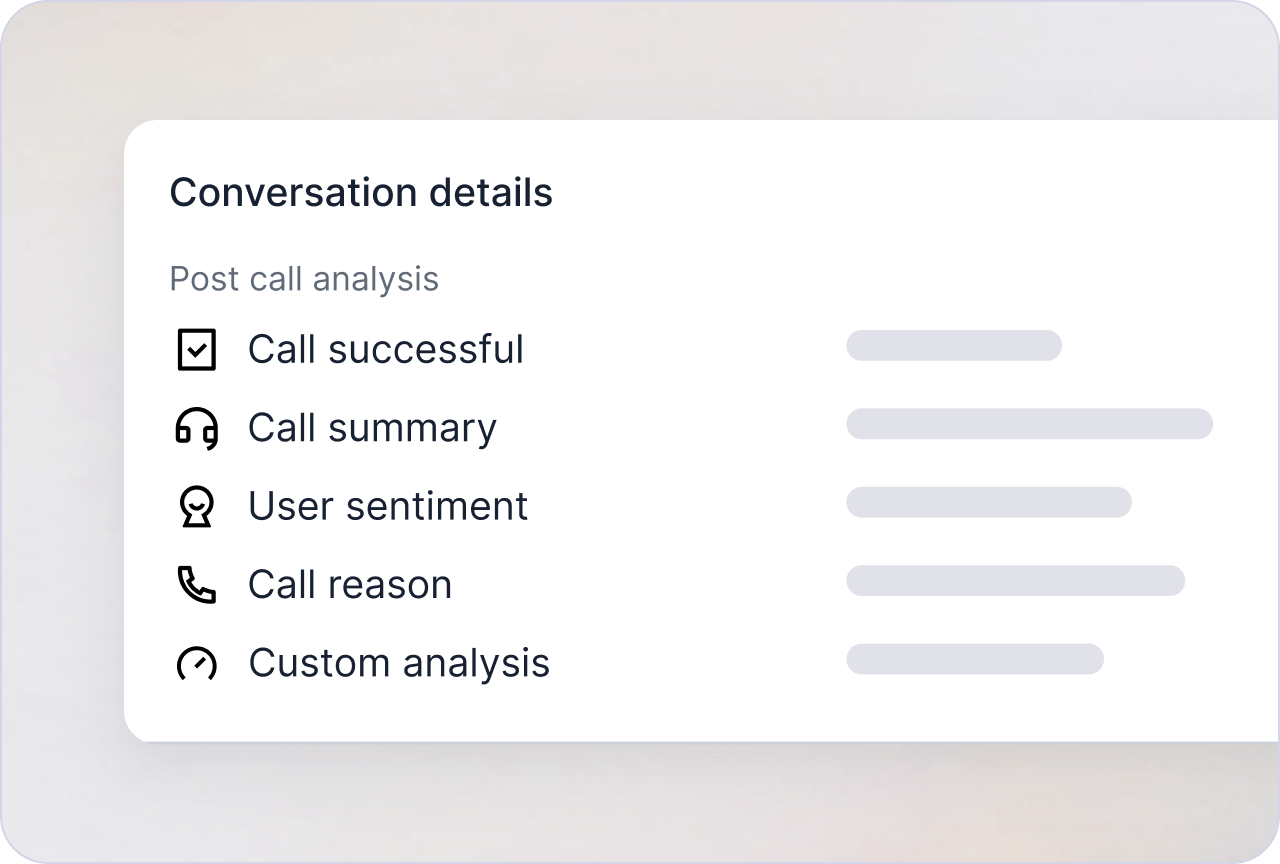
Post Call Extraction
Built-in call success and sentiment scoring, plus custom fields synced to your CRM.
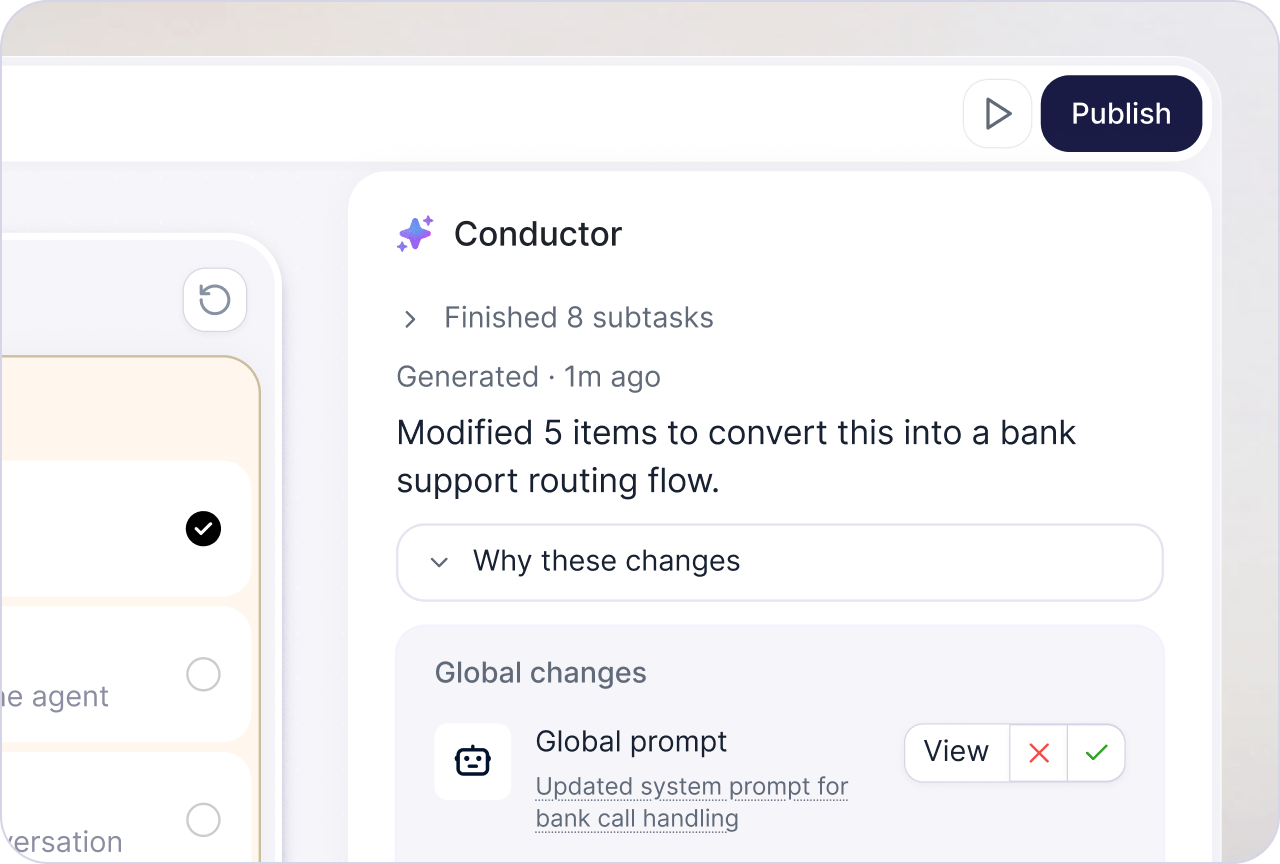
Conductor
Retell’s AI copilot that builds, tests, and refines your agent with you.
Test
Test in text or real audio, manually or automatically, before an agent ever takes a real call. See the testing overview to compare every method.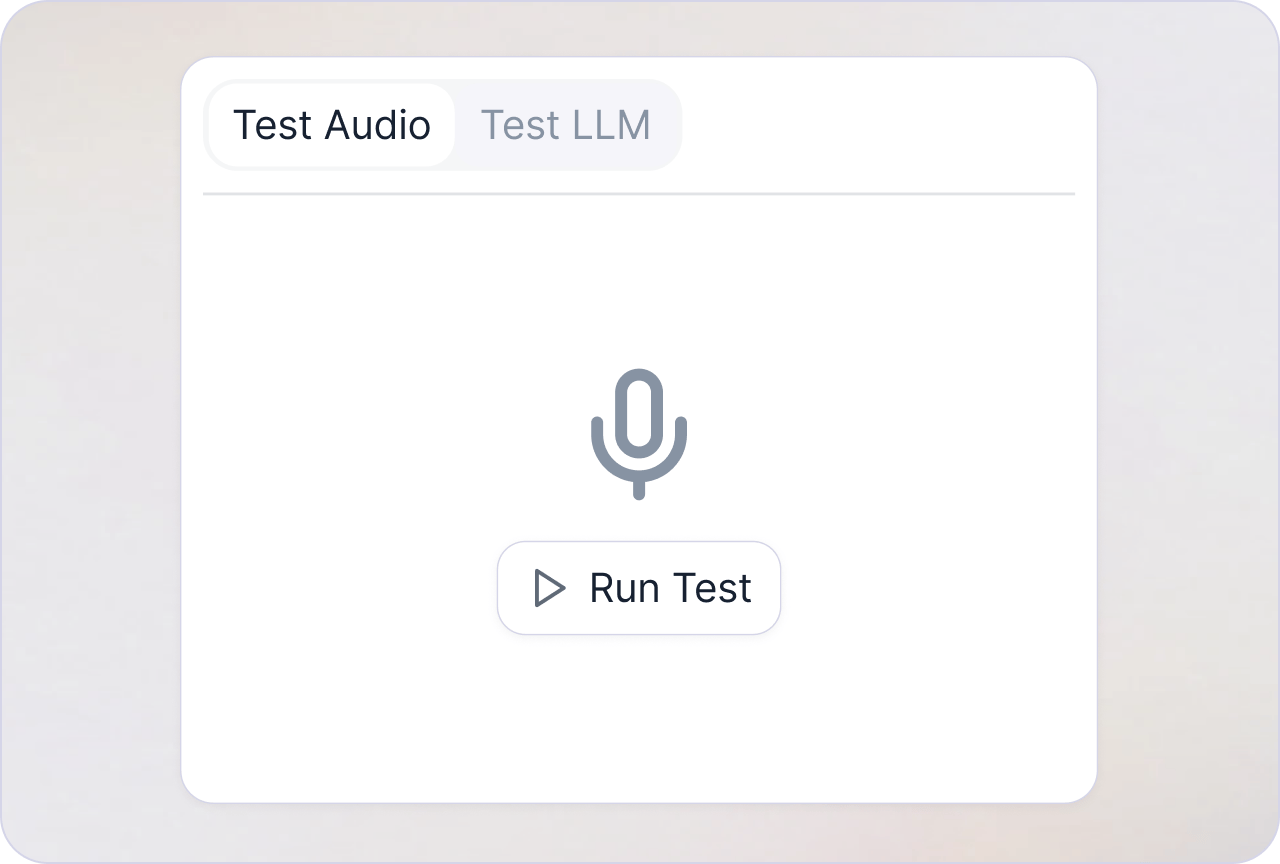
Testing tools
Chat, call, or debug your agent in the Playground.
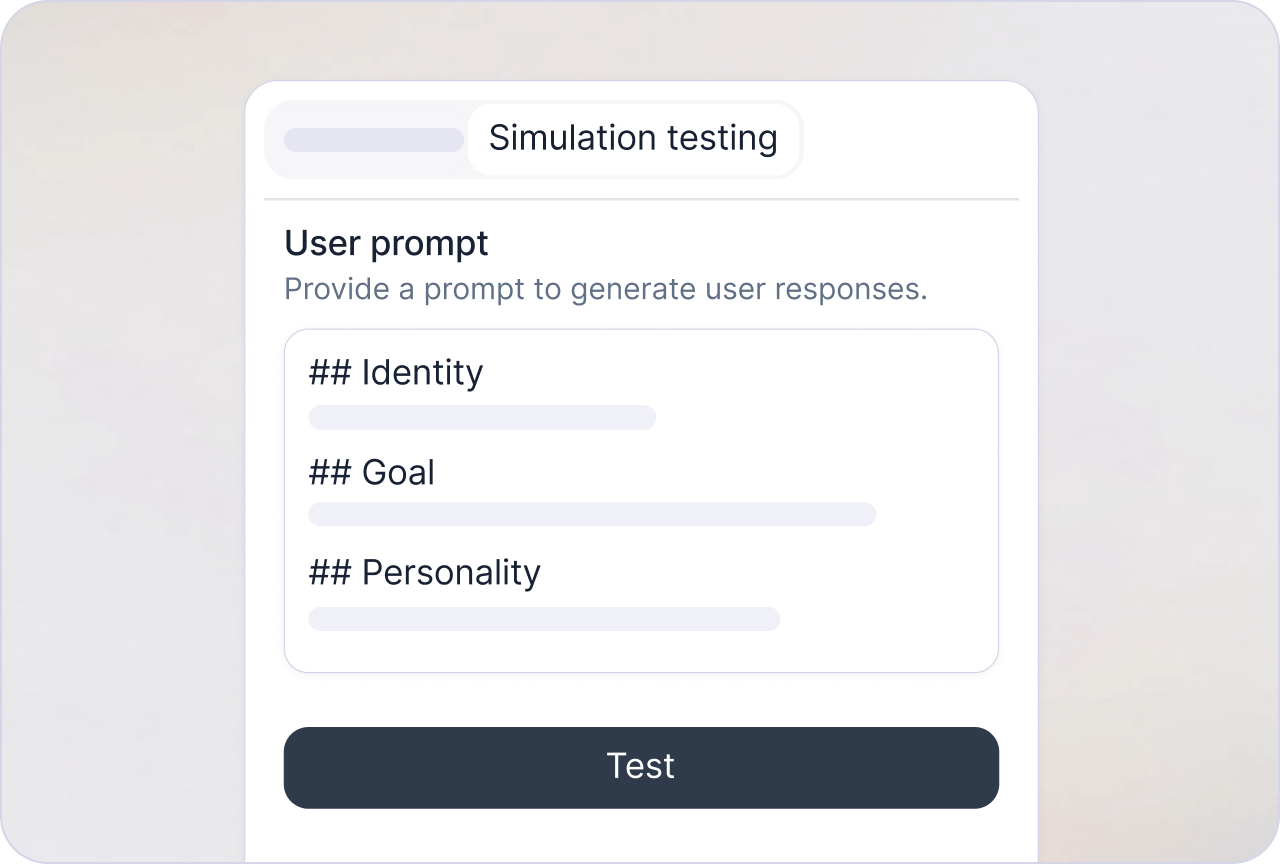
Simulation testing
Run graded test cases to catch regressions before launch.
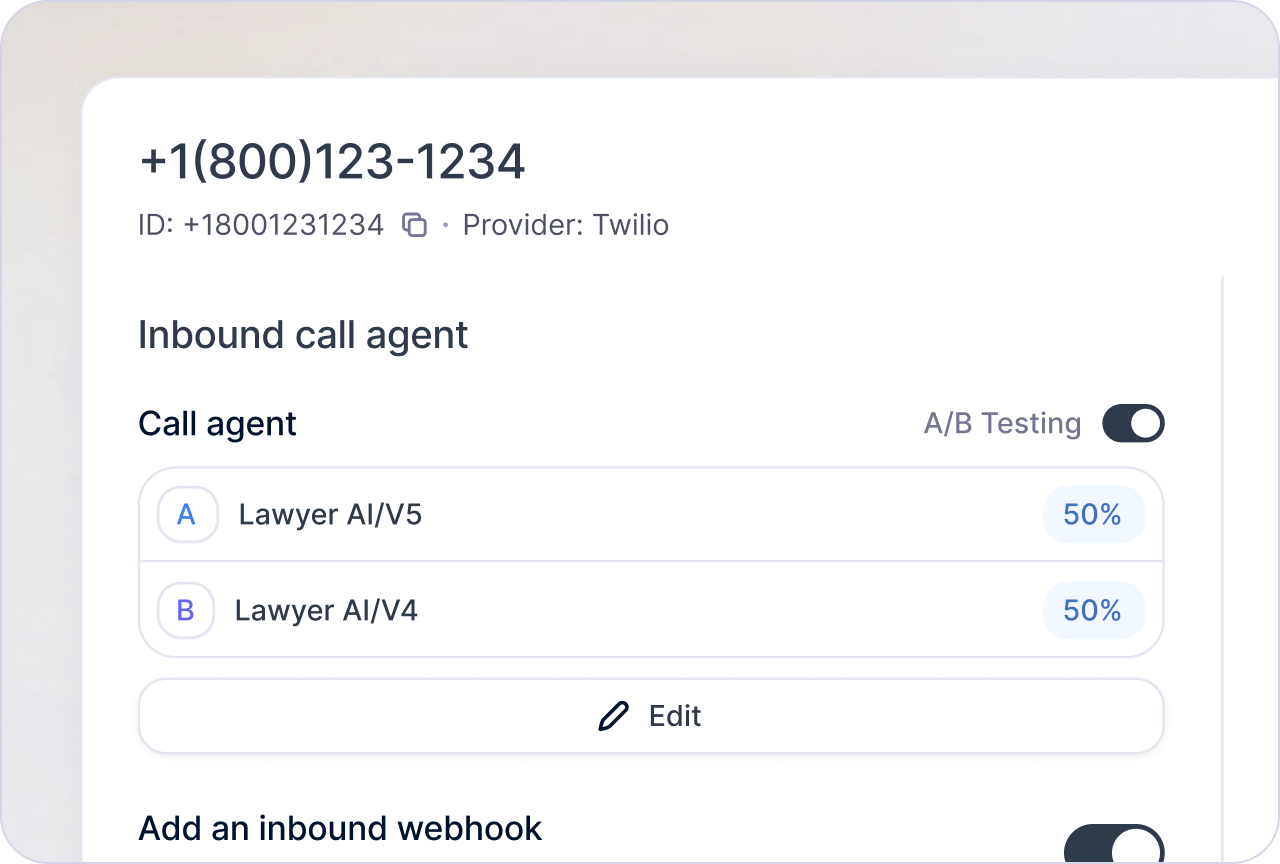
A/B testing
Compare agents or prompts by splitting live traffic between them.
Deploy
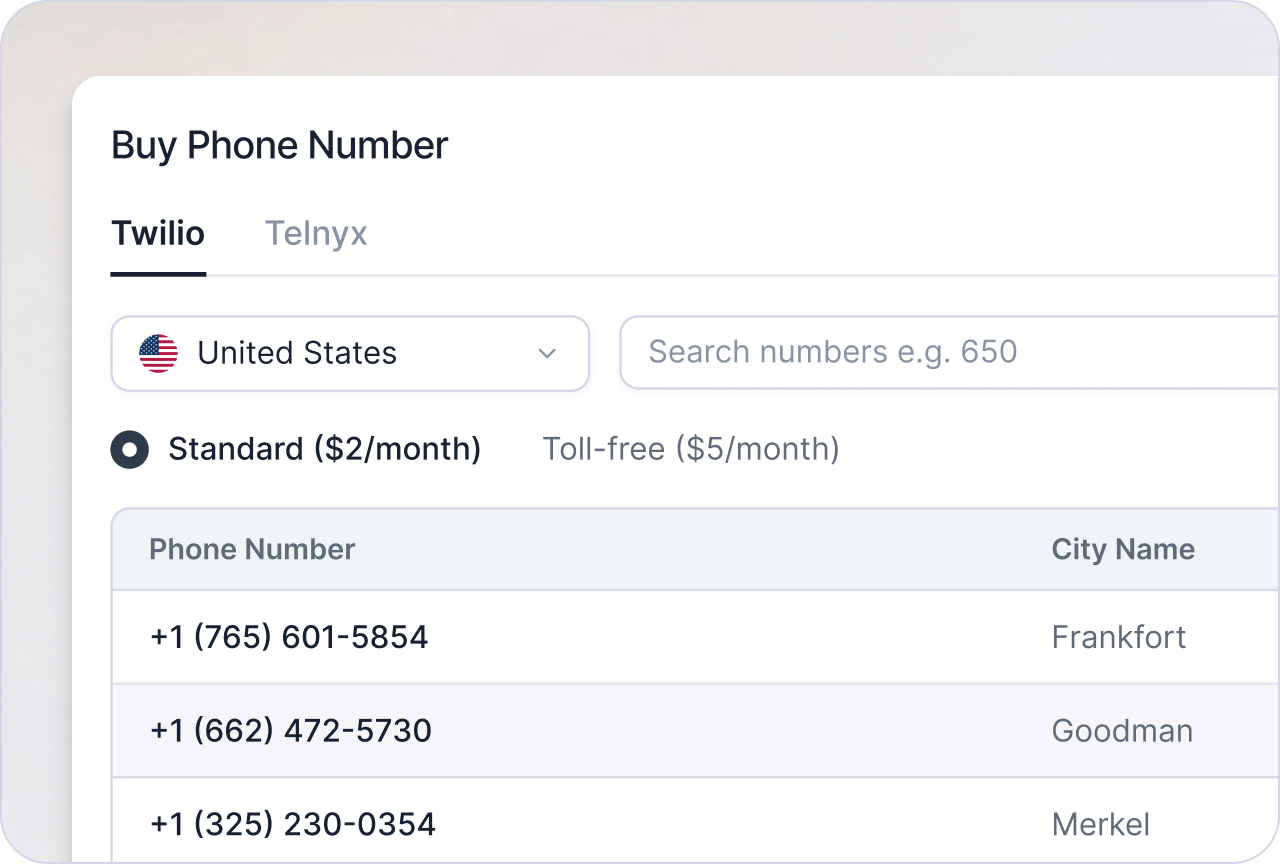
Purchase phone number
Buy a Retell-managed US or Canada number, no provider account needed.
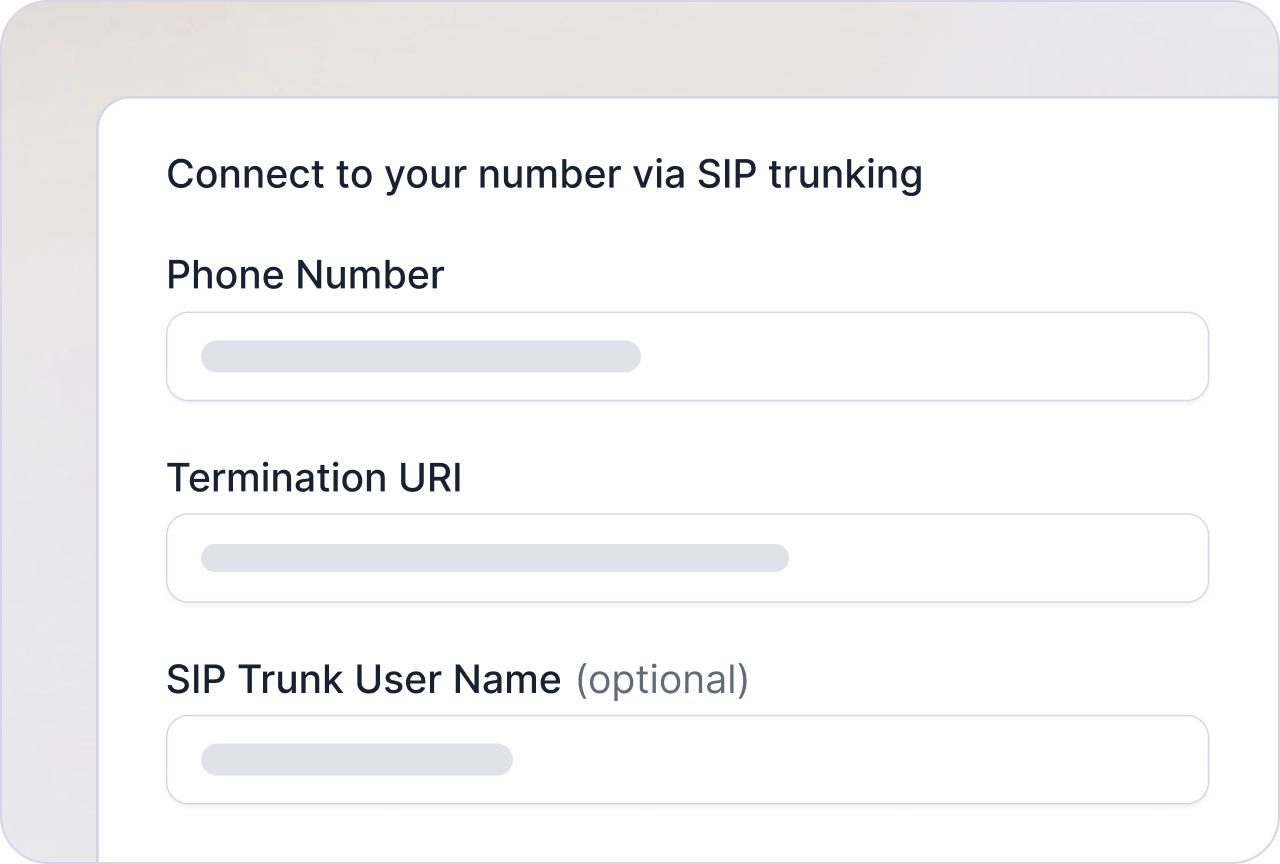
Bring your own telephony
Connect your own provider over SIP trunking.
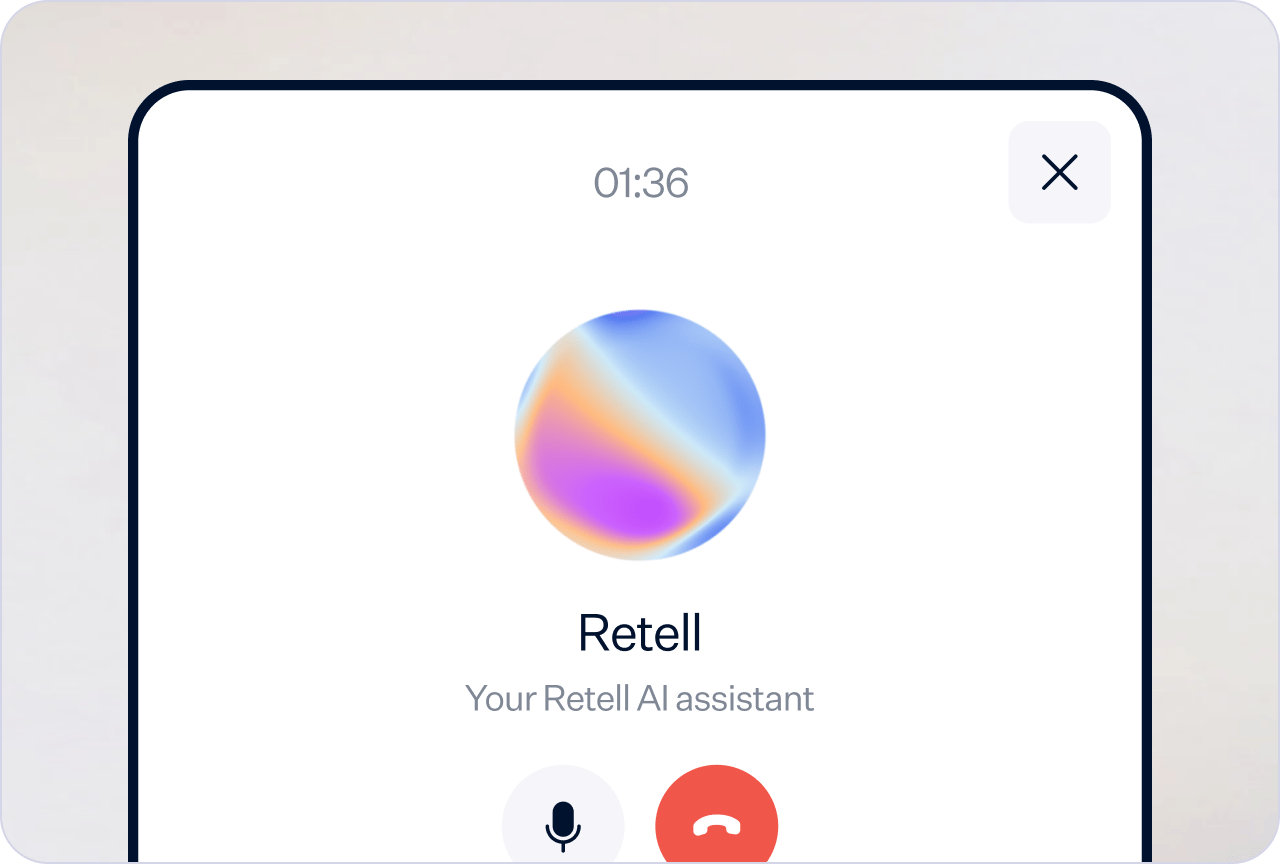
Voice widget
Embed a voice call widget on your website.
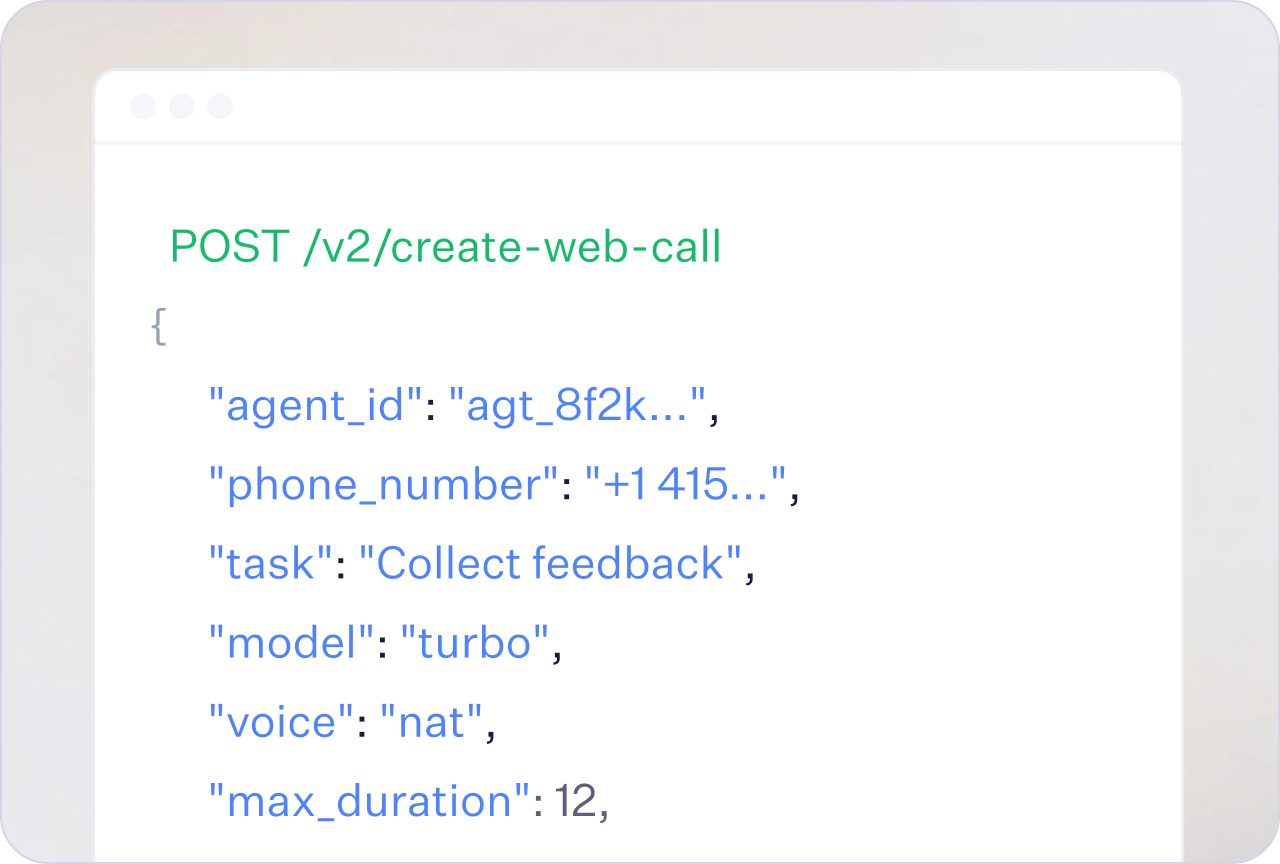
Web call
Connect a web call from your frontend with the Web SDK.
Monitor
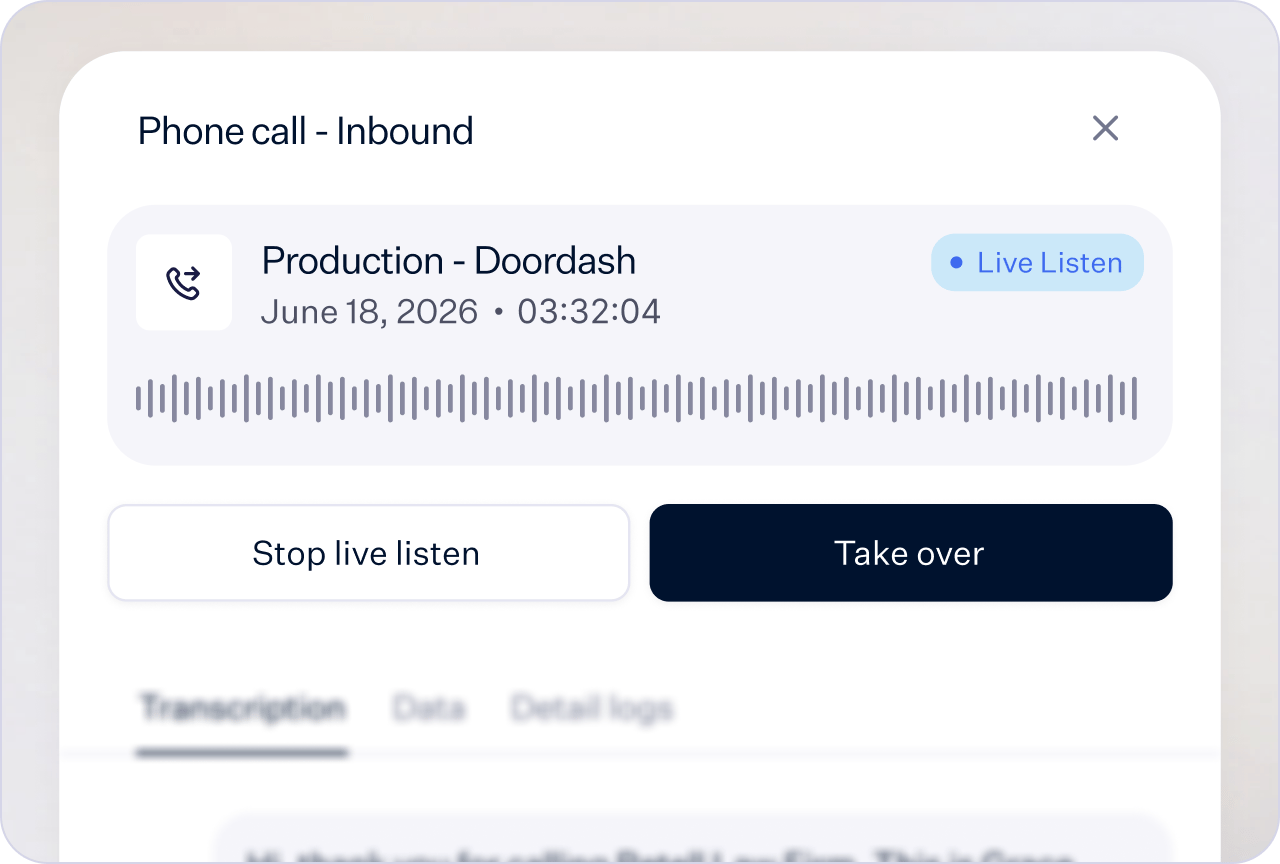
Live call monitoring
Follow live transcripts, listen in, or take over a call.
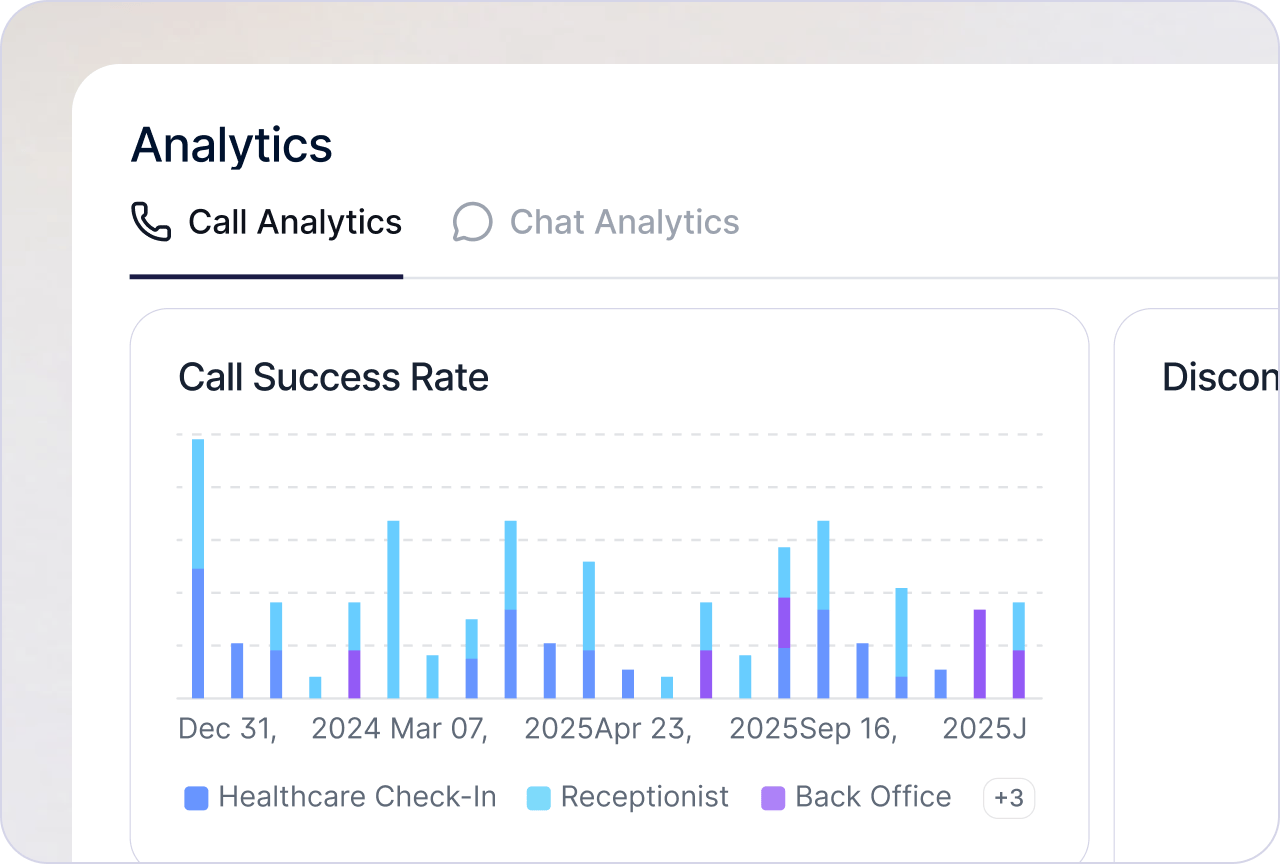
Custom analytics
Build custom dashboards for your call and chat metrics.
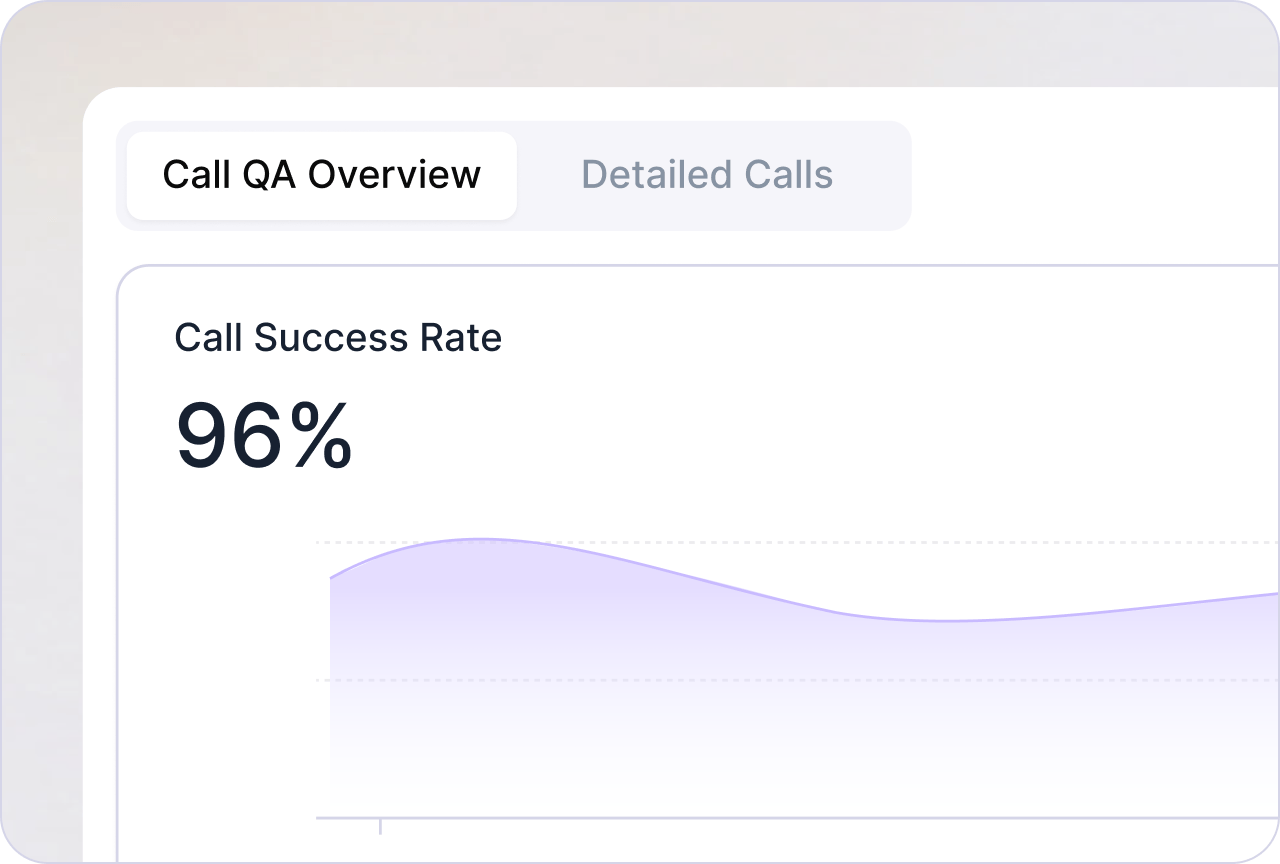
AI QA
Automatically score production calls for quality and accuracy.
Data
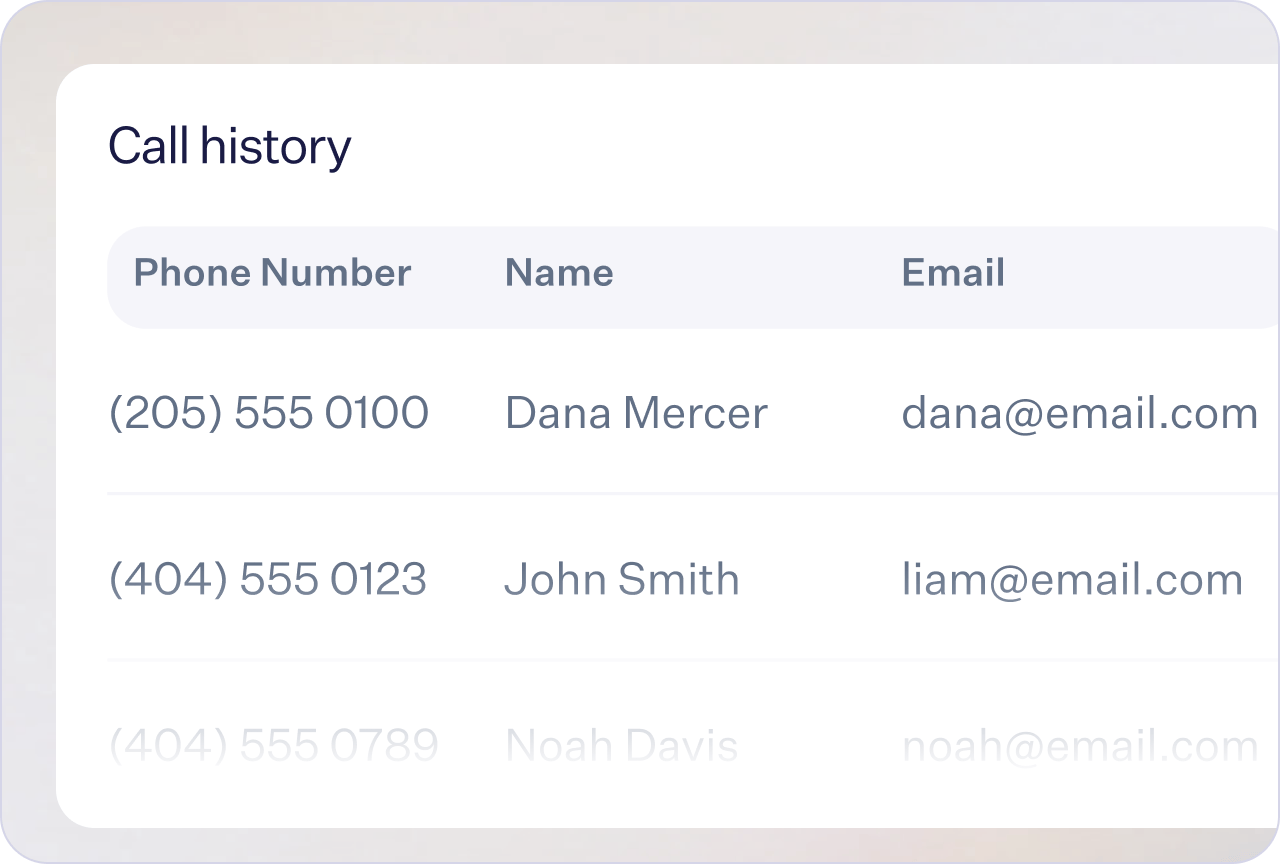
Call & chat history
Browse past calls and chats with transcripts and analysis.
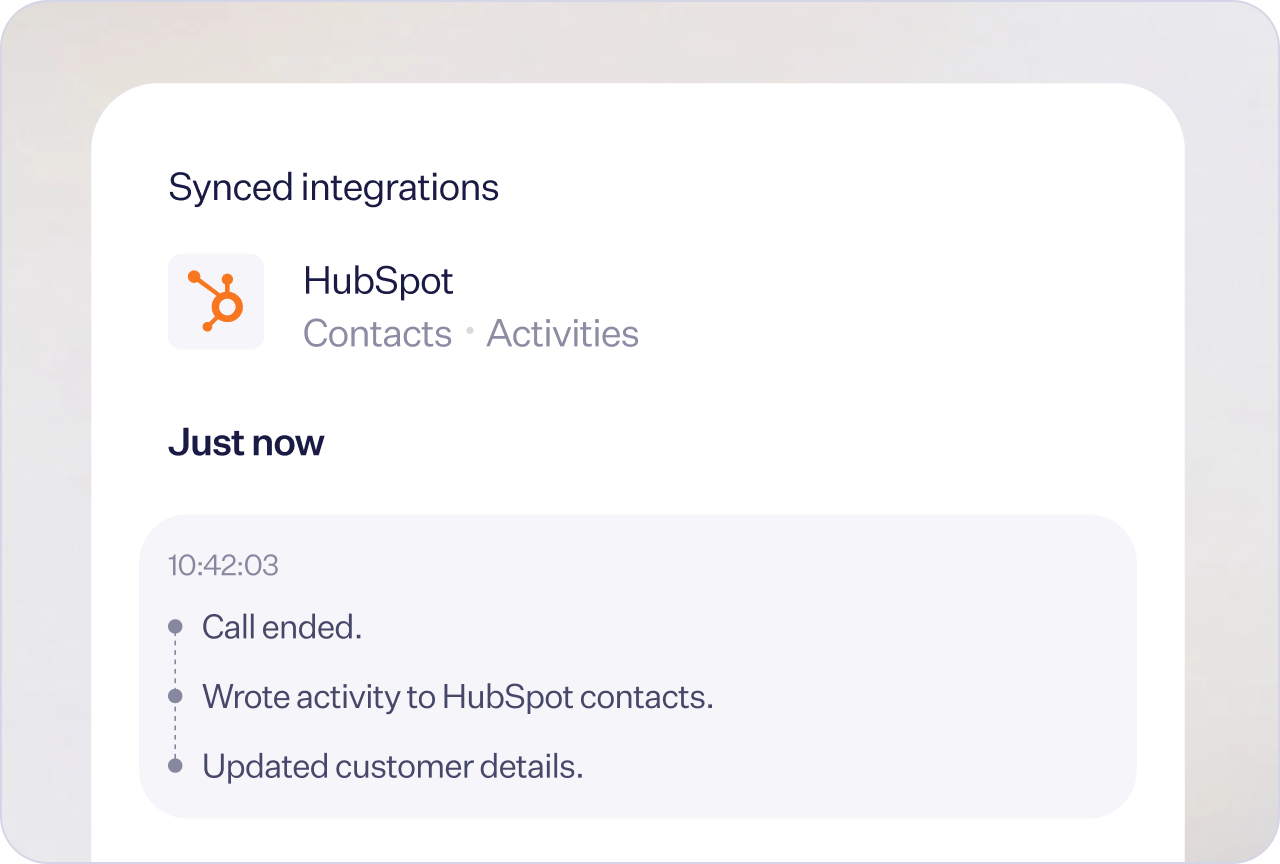
CRM
Sync contacts and push call data to Salesforce, HubSpot, Dynamics 365, GoHighLevel, or Zoho CRM automatically.
Developer friendly
Build entirely from the dashboard with no code, or go fully programmatic with the API, SDKs, and an MCP server.API reference
Manage agents, calls, and numbers programmatically.
SDKs
Official Node.js and Python client libraries.
MCP server
Manage agents from Cursor, Claude Desktop, and more.
Webhook
Real-time call events, no polling required.
Popular use cases
Lead qualification
Ask the qualifying questions and sync the answers to your CRM.Built with a single prompt
Customer support
Answer from your knowledge base and transfer complex cases to a person.Built with a single prompt
Appointment scheduling
Check availability and book, reschedule, or cancel appointments.Built with a single prompt
Patient intake
Collect intake details on HIPAA compliant calls under a signed BAA.Built with a conversation flow
Dispatch and field service
Capture the job details and route the caller to the right crew.Built with a single prompt
Agencies and resellers
Run agents for each client in its own workspace.Either agent type
Next up
Ready to dive in? Start here.Quickstart
Build your first phone agent in 15 minutes.
Voice Orchestration
How STT, LLM, and TTS orchestrate into one voice stack.
FAQ
Does a Retell agent sound like a real person?
Does a Retell agent sound like a real person?
Yes. Retell agents use natural-sounding voices and handle turn-taking and interruptions the way a person would, so they don’t talk over callers. Pick a voice from the platform voices, and turn on expressive mode for more natural pacing.
Is Retell HIPAA compliant?
Is Retell HIPAA compliant?
Yes, with a signed BAA before you send protected health information. Retell is also SOC 2 Type 1 and Type 2 certified and GDPR compliant. See compliance.
What happens when the agent can't handle a call?
What happens when the agent can't handle a call?
It transfers the call to a person, either right away or after briefing them with a warm transfer.
Can I keep my existing phone numbers?
Can I keep my existing phone numbers?
Yes. Connect your provider with custom telephony, or buy a number from Retell.
How does a voice agent work?
Every Retell agent runs on four layers:Telephony
The call arrives by phone number, SIP trunk, or web.
Speech to text
The caller’s audio is transcribed as they talk.
LLM
The model picks the reply, using your prompt and tools.
Text to speech
The reply streams back to the caller as audio.