

1
Create elastic SIP trunking
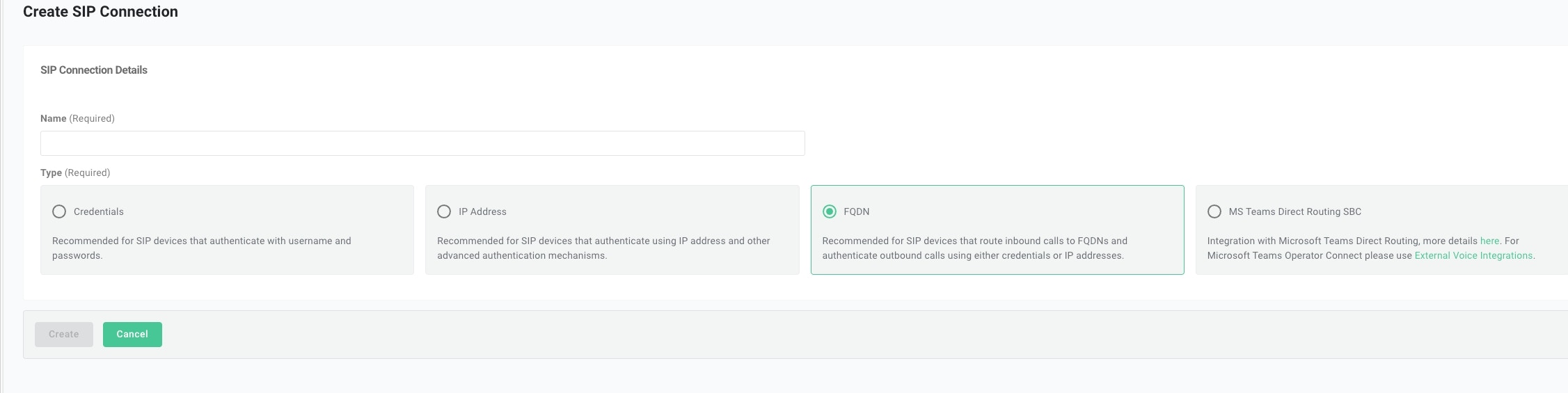
- Create the trunk, select FQDN as the type, and give it a name.
- Add FQDN
sip.retellai.com. Select SRV as the
DNS record type.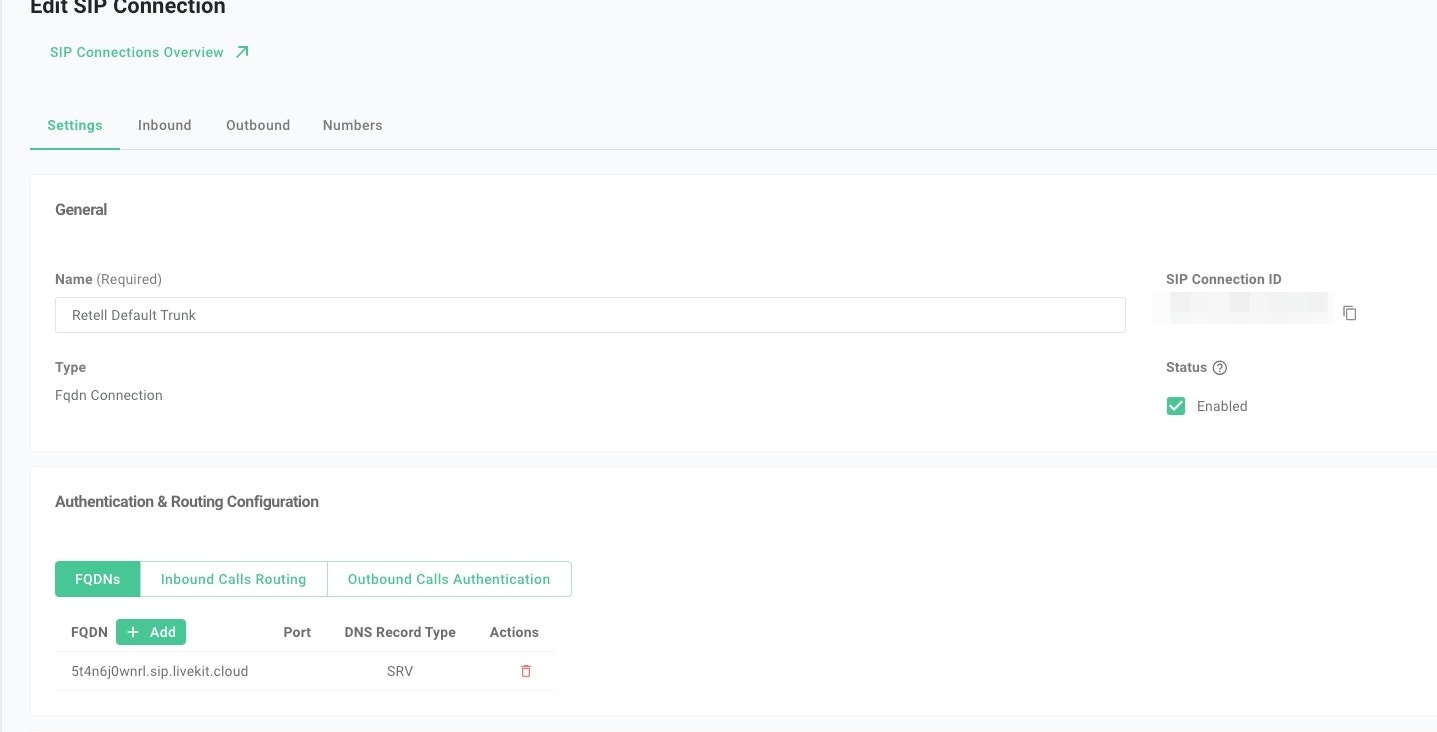
- Set up outbound calls authentication
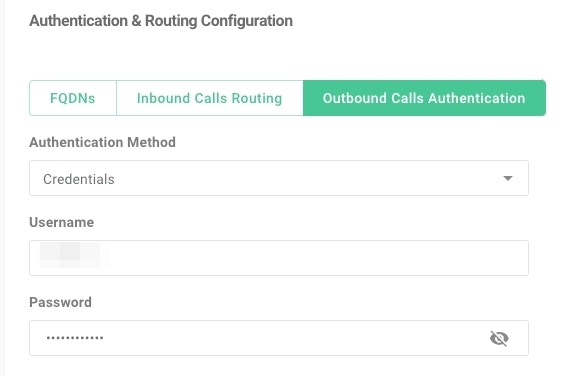
Telnyx requires the header
X-Telnyx-Username: <username> to be included in the outbound calls when using credentials as the authentication mechanism.
See Telnyx documentation for more details.
You can find details on adding custom SIP headers, or on the Make outbound calls page.- Set up inbound setting
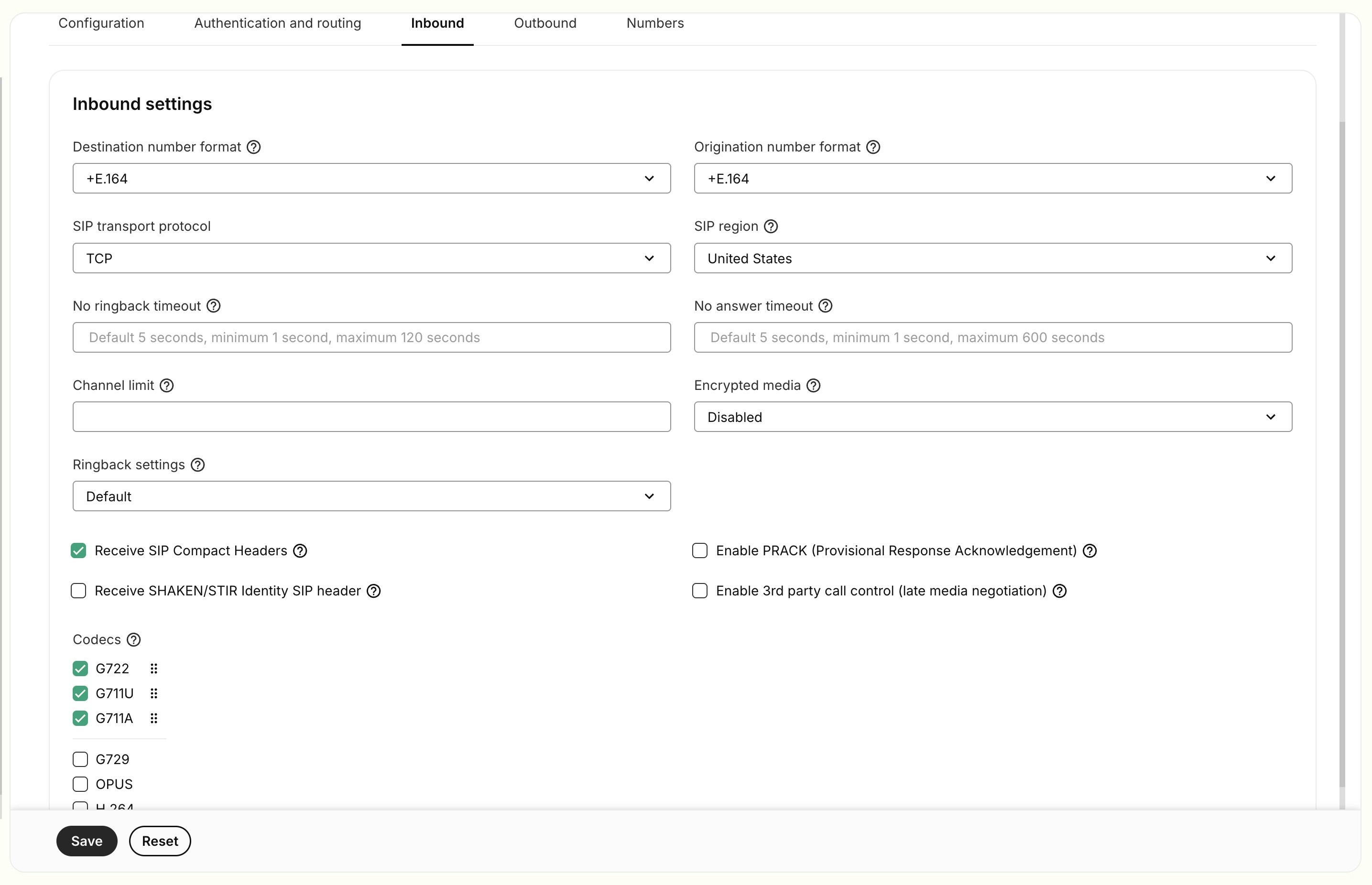
- Select
+E.164as the number format. - Select
G722,G711U,G711Aas the codecs. - Select
TCPas the transport method. (TCP is recommended over UDP for reliability.) - Select your SIP region.
- Set up outbound setting

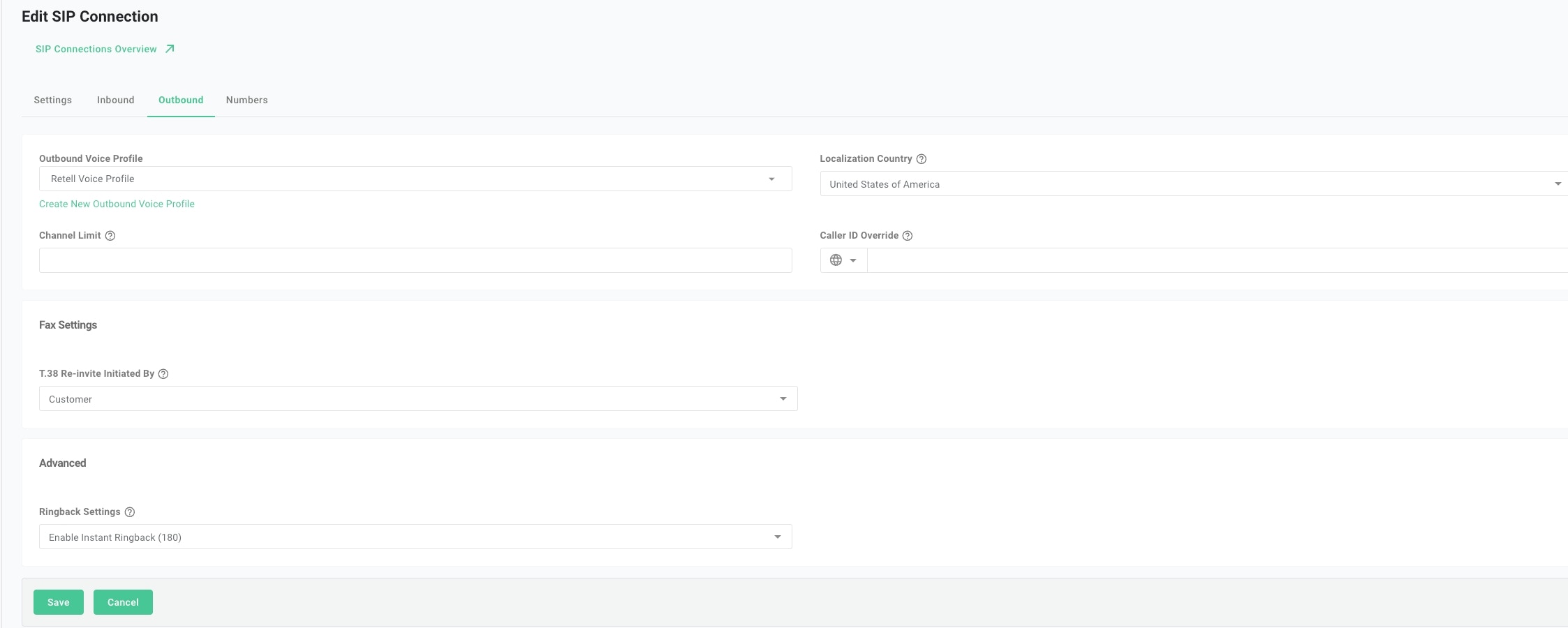
2
Move numbers to elastic SIP trunking
You’ve created the elastic SIP trunk. Now purchase numbers or move
existing numbers to this trunk.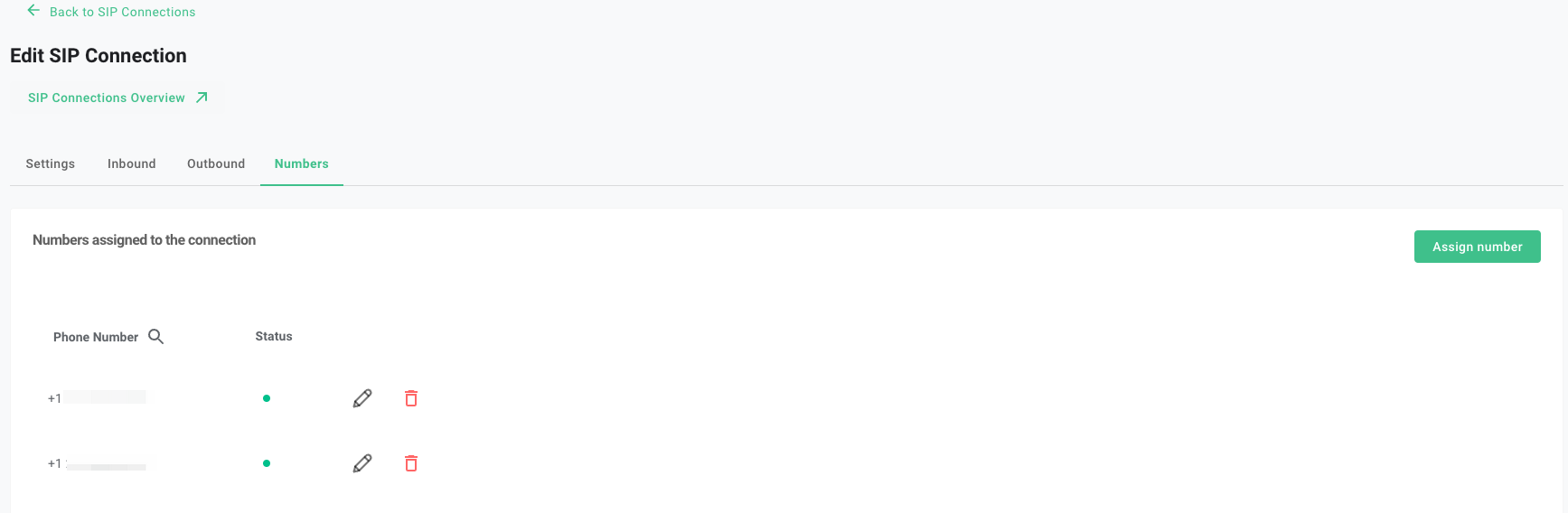
3
Import numbers to Retell
Now that the number is set up with your elastic SIP trunk, import it to Retell so we know how to route the call.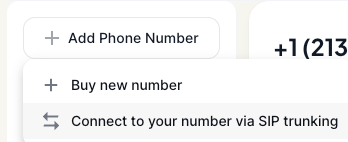
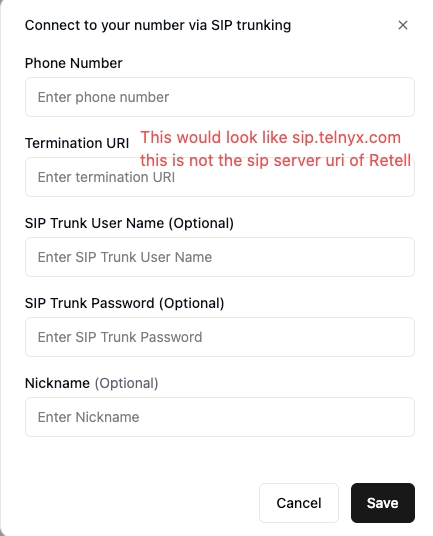
Troubleshooting
If an inbound call fails, check the FQDN and inbound settings on your Telnyx trunk. If an outbound call fails, check the termination FQDN, credentials, and theX-Telnyx-Username header you supplied to Retell. See Debug outbound call for common SIP failures, or debug SIP calls with PCAP files to inspect the signaling in Wireshark.