

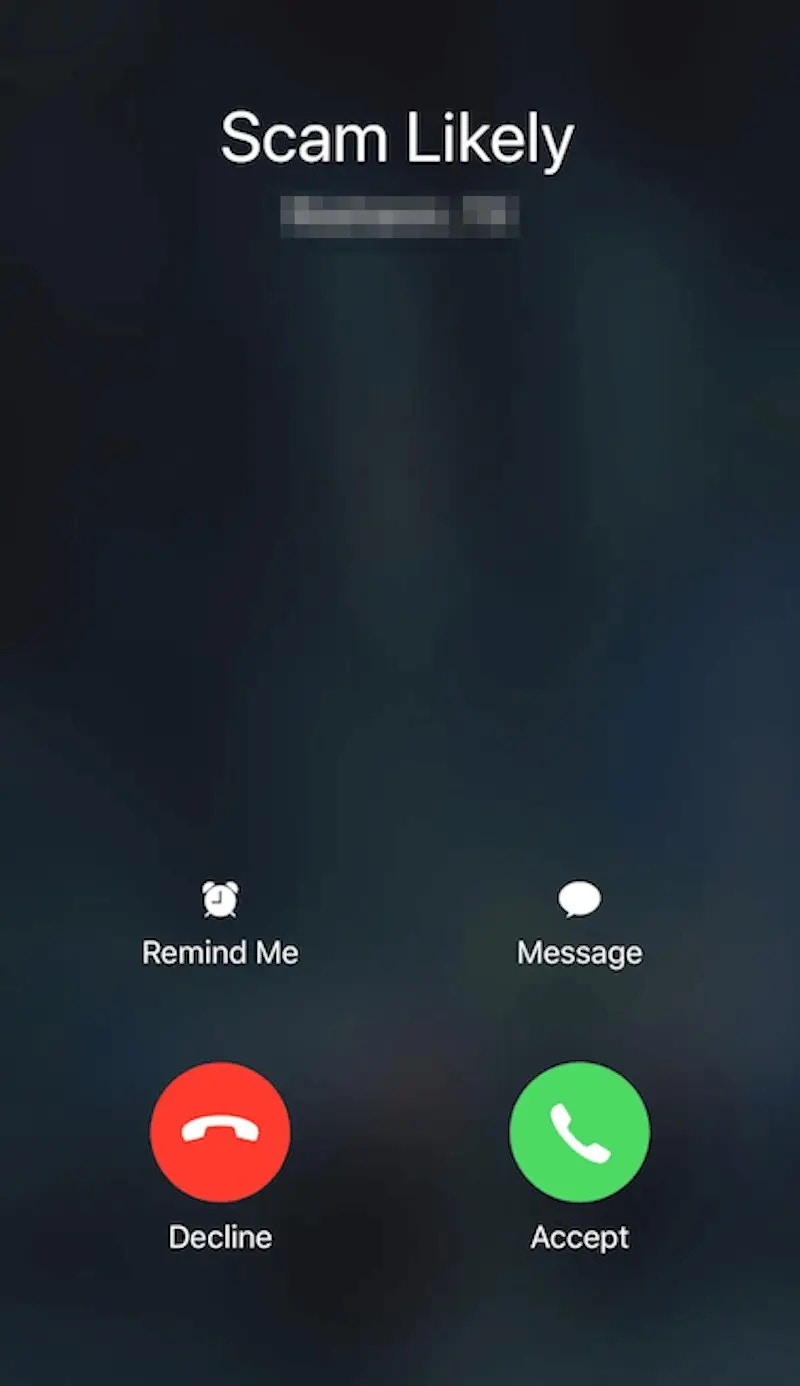
Spam Likely

Branded Call
Check whether your number is marked as spam likely
Check your outbound call log for calls that failed to connect with SIP error code 608. That code means the call was rejected for being marked as spam likely. Not every spam-likely rejection returns error code 608, though. A few external services can help you check whether your number is marked as spam likely. Results aren’t exact, since each carrier has its own rules and database, but you can use them as a reference:- Nomorobo: use the app or API to check your number against its database.
- IPQualityScore: check your phone number’s reputation score.
Actions you can take
Retell provides two services to improve your call pickup rate:- Verified phone number: Retell will register your number with the phone carrier, which will not be marked as spam by carriers.
- Branded call: Callee will see your number as your business name, instead of the generic Retell number.
iOS 26 call screening
iPhones on iOS 26 may deploy a call screening feature. At the start of the call, Siri asks unknown numbers to provide their name and reason for calling. To pass this screen, update your agent prompt to respond clearly. For example: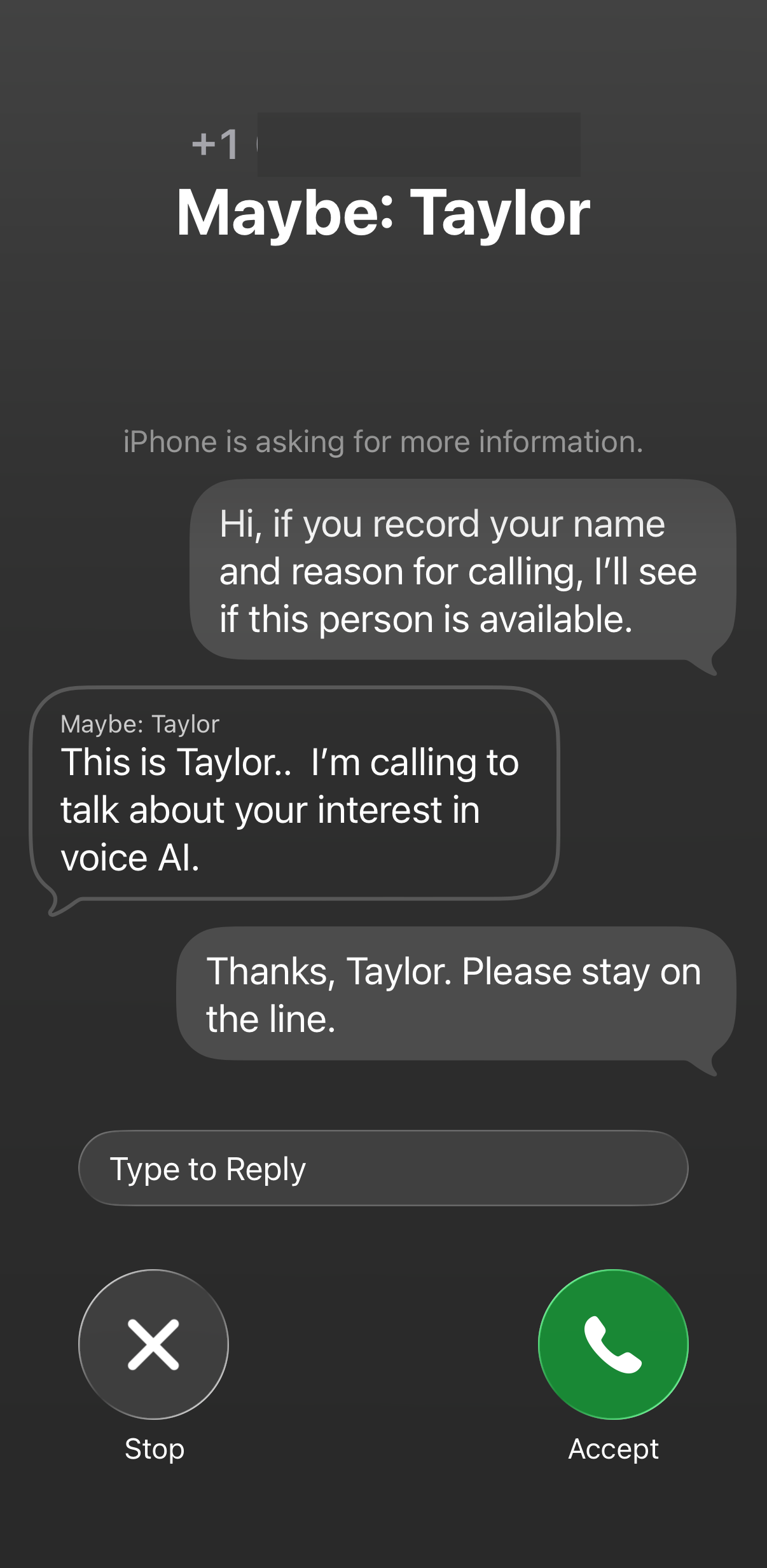
iOS Call Screen