

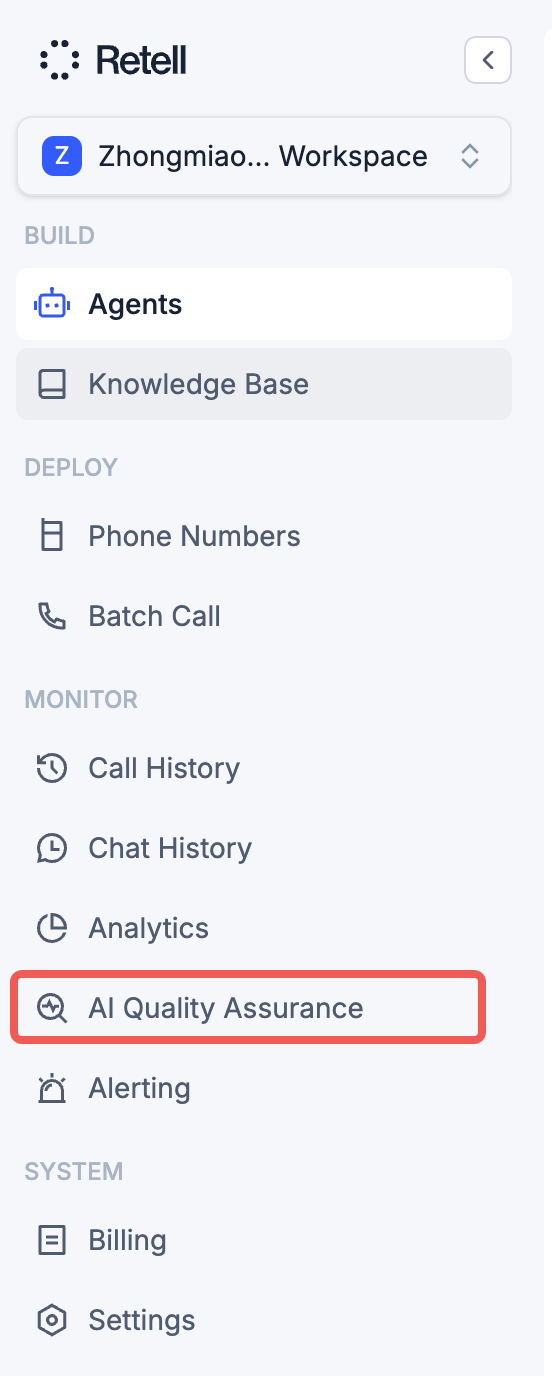
The AI QA tab in the left sidebar.
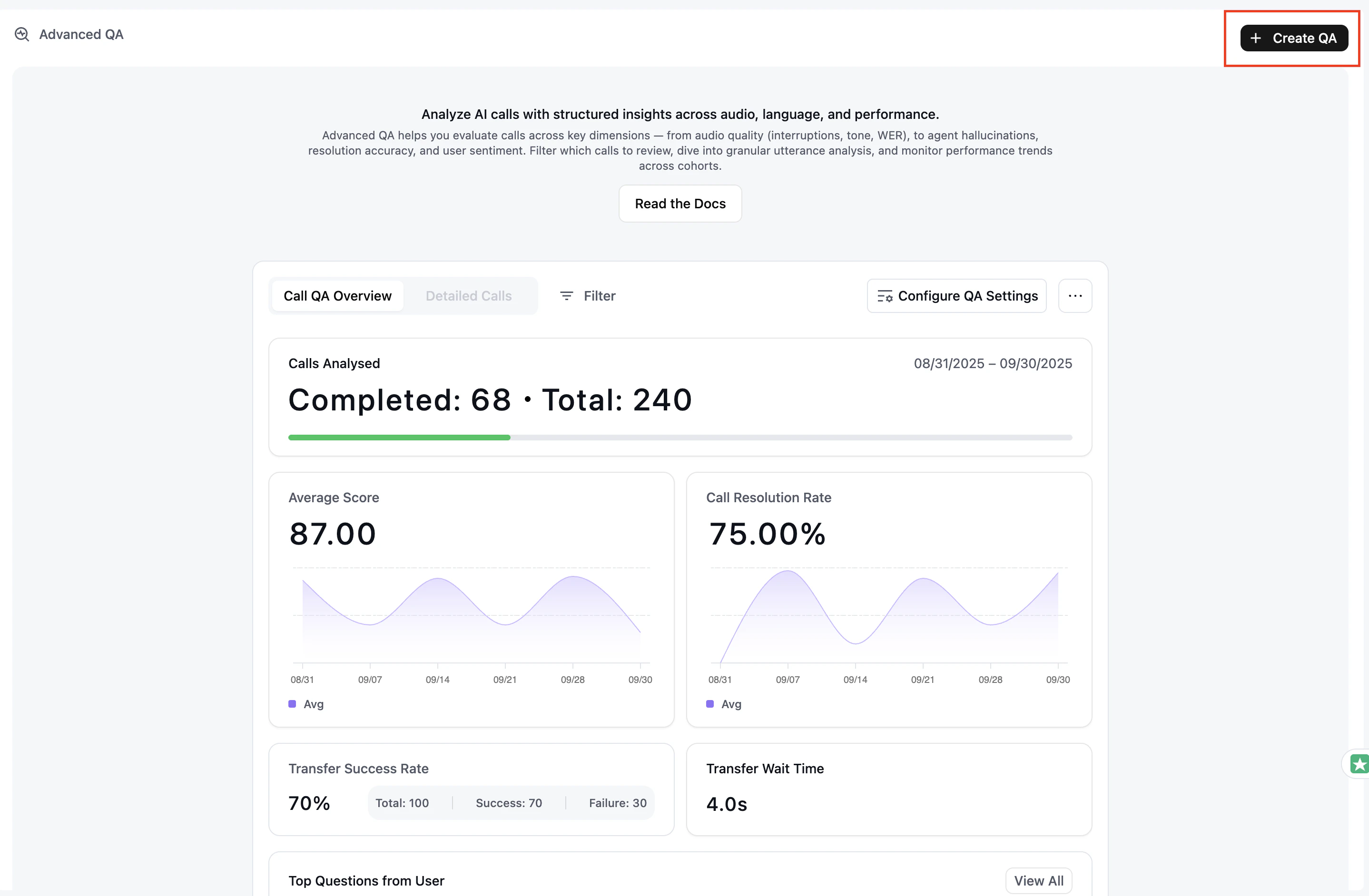
Click Create QA to start a new cohort.
Get started with Retell AI QA: open the AI QA tab from the sidebar and click Create QA to launch your first automated call quality evaluation.
The AI QA tab in the left sidebar.
Click Create QA to start a new cohort.