

Building an agent means deciding how it understands callers, decides what to say, sounds when it speaks, and handles the parts of a call beyond talking, like voicemail and transfers. This page orients you across all of it. Start with choosing an agent type, since that decision shapes which other settings apply.
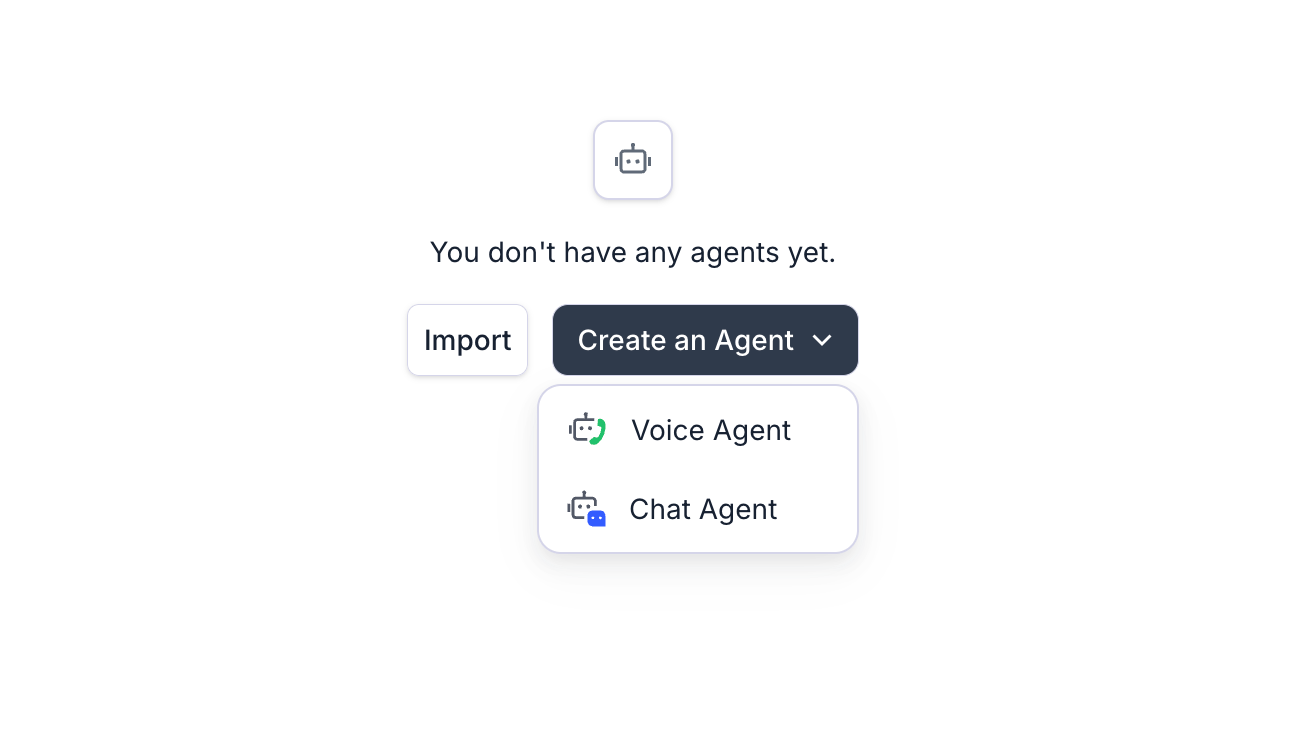
Create an Agent dropdown with Voice Agent and Chat Agent options

Start from the Agents page in your dashboard.

Choose an agent type

Every agent is either a voice agent (talks on phone calls) or a chat agent (text-only, reachable via API, an embeddable widget, or SMS). When creating a voice agent, choose between:

Conversation Flow Agent

Build a node-by-node call flow with explicit transitions. Best for structured, multi-step, or high-stakes calls where you need predictable behavior.

Single Prompt Agent

Define the whole agent with one prompt. Fastest to set up, and a good fit for simple, linear conversations with a handful of functions.
The dashboard also lists Multi-Prompt Agent as a legacy option. It still works for agents already built on it, but build new structured agents on a conversation flow instead. See the single/multi-prompt overview if you’re maintaining an existing multi-prompt agent.

Understand what callers say

Retell picks a speech recognition provider for your agent’s configured languages. You can also tune how transcription behaves mid-call and filter out background noise so it doesn’t get transcribed as speech.

Generate better responses from the LLM

Beyond the prompt itself, you can turn on Agent Handbook presets for personality, accuracy, and safety, enable Conversational Mode to make replies sound more natural, and follow the prompt engineering guide for structure and edge cases. LLM options control model-level settings, including temperature, fast tier, and structured output.

Customize the voice

Pick a platform or custom voice, including cloned voices, and tune how it delivers speech: expressiveness, pauses, holding silently when the caller asks it to wait, and a fallback TTS provider if the primary one fails.

Handle telephony scenarios

Configure what the agent does when a call isn’t a normal back-and-forth: detect and respond to voicemail and IVR menus, capture DTMF keypad input from the caller, and pass metadata between systems with custom SIP headers.

Give your agent context

Attach a knowledge base of URLs, documents, or text so the agent retrieves accurate answers instead of relying only on the prompt, and inject per-call data like names or account IDs with dynamic variables.

Add guardrails

Turn on guardrails to automatically catch prohibited topics in the agent’s responses and jailbreak attempts from the caller, replacing them with a safe message instead of ending or transferring the call.

Test and deploy

Once the agent is configured, validate it in the LLM Playground or simulation testing, then purchase a number or connect your own via SIP to take calls.