

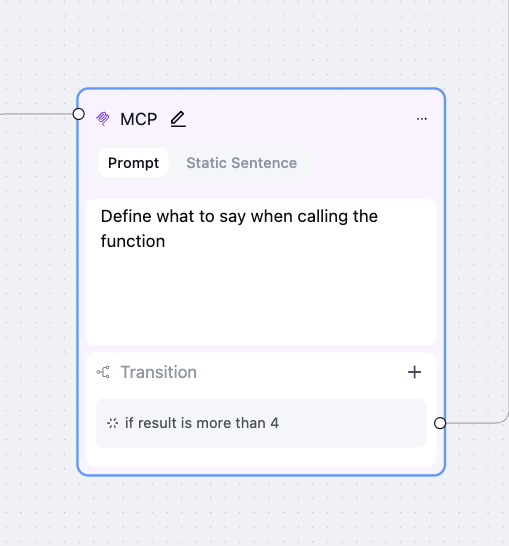
Add MCP server
1
Add MCP server
To create an MCP node, we first need to add an MCP server.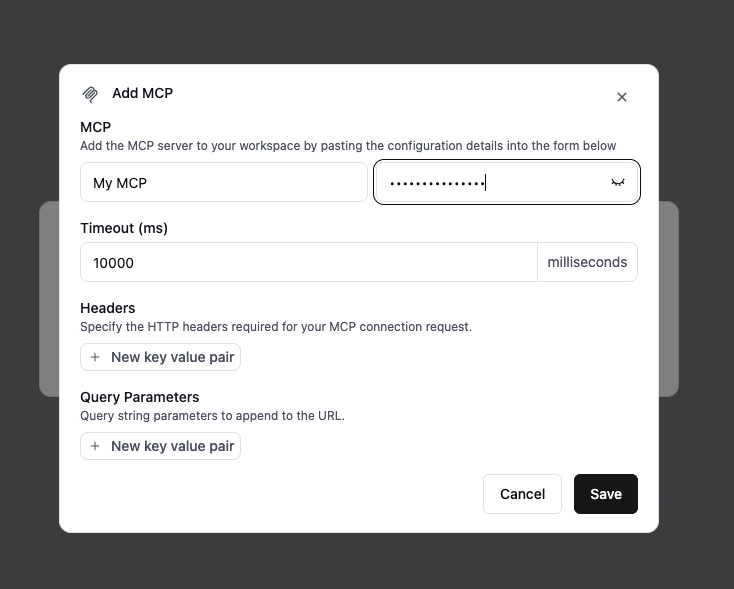
2
Set request headers (optional)
You can define custom headers to include with the request Retell sends to your MCP Server.Headers and query parameters are the only way Retell authenticates to your MCP server — most often an auth header such as 
Authorization: Bearer <token>. Retell doesn’t run an interactive OAuth flow; if your server requires OAuth, obtain the access token outside of Retell and pass it in a header. Values can include dynamic variables, so you can pass a per-call token as {{access_token}}.To restrict your MCP server to requests from Retell, allowlist Retell’s outbound IP address:
100.20.5.228.3
Set query parameters (optional)
You can define query parameters to include in the request URL that Retell appends to your MCP Server Endpoint.
4
Add MCP Tool
Select MCP Tool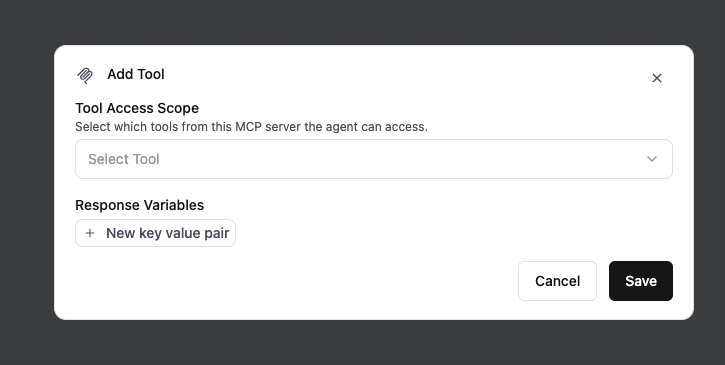
5
Set response variables (optional)
Extract values from the MCP tool response and save them as dynamic variables for use later in the conversation.For example, you can extract a user’s name from the response and reference it later using 
{{user_name}}.Example response bodyNode settings
- Global Node: read more at Global Node
- Fine-tuning Examples: Can finetune transition. Read more at Finetune Examples